
B2B data enrichment should feel like rocket fuel, not random noise. If your CRM is full of half-complete records, bounced emails, and mystery job titles, your team wastes time and misses opportunities in the pipeline.
The right enrichment provider fixes that by filling gaps at the person and account level like company size, tech stack, verified email, phone number, LinkedIn URL, location, intent signals, and more.
This guide ranks the best data enrichment tools for B2B teams. You’ll get an overview, standout features, who each tool suits best, pricing, and what reviewers consistently praise or criticize.
1) LeadDelta
Overview:
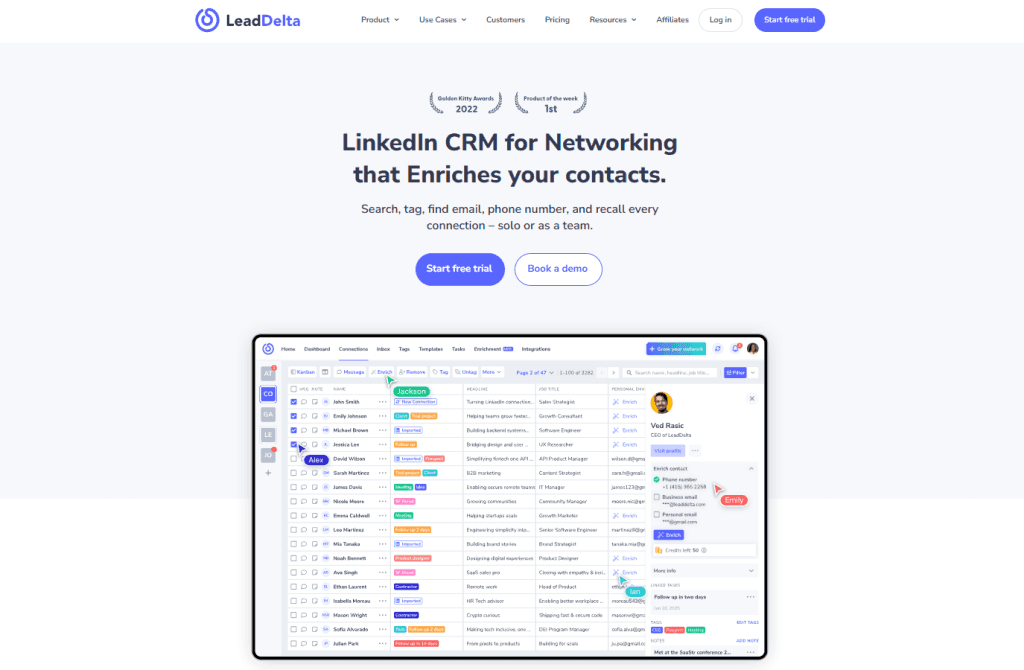
LeadDelta started as a powerful way to organize and operate your LinkedIn network. Its waterfall enrichment capabilities help you turn LinkedIn connections and prospect lists into usable B2B records with clean contacts. If LinkedIn is your primary source of relationships and intel, LeadDelta is the most natural “hub” to enrich that for sales, partnerships, recruiting, marketing, and founders.
Top Features
- Connection workspace: tags, notes, filters, tasks, and team collaboration.
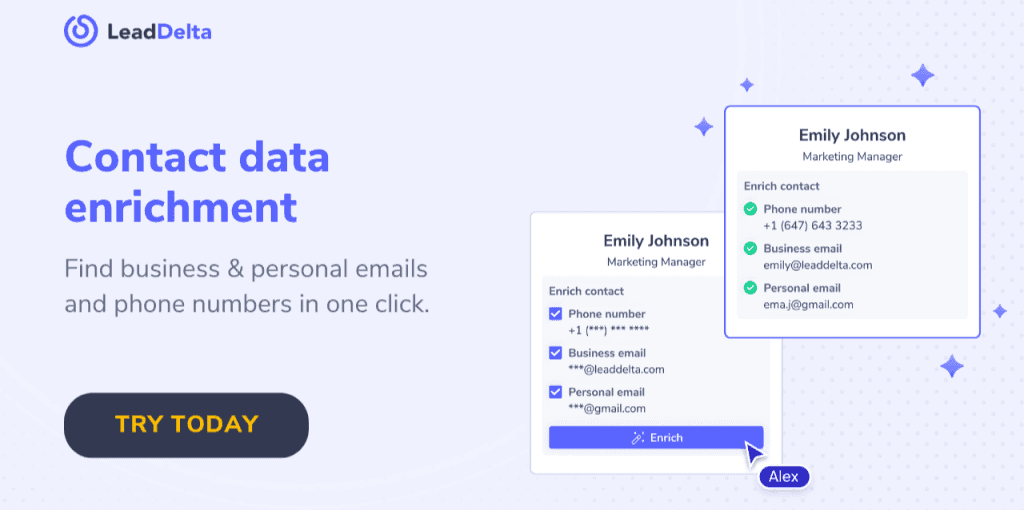
- B2B data enrichment: find private emails, business emails, and phone numbers from LinkedIn contacts.
- Bulk/CSV enrichment – find fresh contact data based on your custom lists using LinkedIn profile URLs .
- LinkedIn Sidebar – bulk-import and enrich 2nd and 3rd degree contacts straight from LinkedIn profile, LinkedIn search pages, company employee lists, event attendee lists.
- LeadSearch – a prospecting tool built inside LeadDelta that lets you find leads and enrich in a few clicks with access to 300M people and 40M companies.
- Smart inbox – and message workflows to act on enriched segments.
Best For
- GTM teams who live on LinkedIn: founders, AEs, SDRs, partnership leads, marketers, recruiters.
- Companies that want enrichment tied to relationship context (not just a static CSV).
- Teams cleaning and enriching existing LinkedIn connections to revive deals and warm intros.
Pricing
- Simple pricing with no contractual obligation, pay per month or year with enrichment credits/add-ons.
- Each paid plan receives complimentary enrichment credits.
- Additional enrichment bundles vary by volume. Pay only for results – you’re charged only for verified data.
The Good: What Users Appreciate
- Access to a database of 500M people – unique to LeadDelta.
- Waterfall enrichment – Data combined from multiple partners and 5+ external vendors for better match rates more incoming weekly.
- “Act where you work”: enrichment lives next to messages and current contact lists instead of being yet another separate tool.
- Not only enrichment, but organization that sticks: tags, filters, saved views make it easy to segment LinkedIn relationships for outreach.
- Team collaboration on relationship data: reduce duplicate touchpoints and loss of context.
The Bad: Where Users Struggle
- Learning curve for first-time organizers: getting tagging, filters dialed can take a bit.
- Integration via Zapier and HubSpot, Salesforce and others in the works
2) ZoomInfo
Overview:
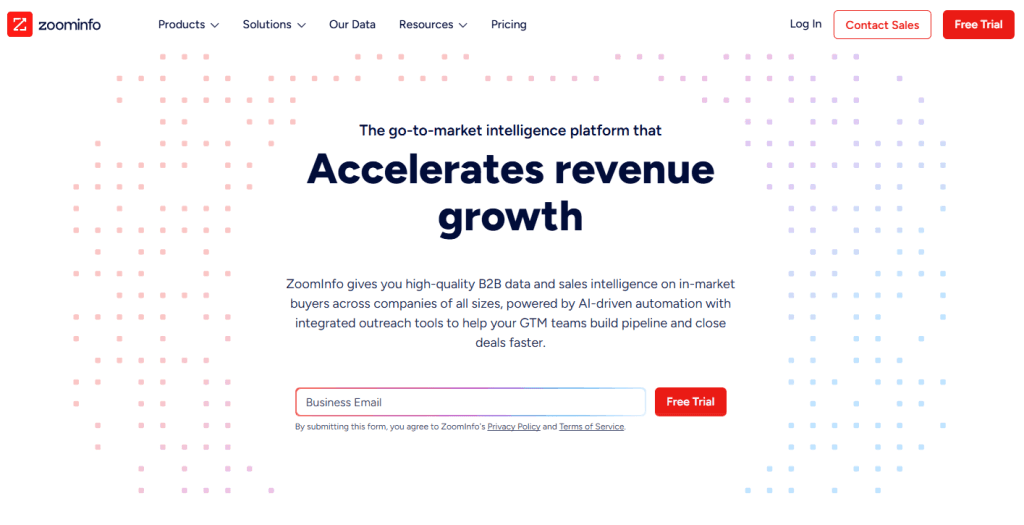
An enterprise heavyweight for B2B data. ZoomInfo blends massive contact and company coverage with intent, org charts, technographics, and “scoops” (news signals) to power outbound and ABM at scale.
Top Features
- Broad global database with direct dials and verified emails.
- Company enrichment: firmographics, technologies, org structures, and expansion signals.
- Intent data and news-driven triggers.
- Native integrations: Salesforce, HubSpot, Marketo, Outreach, Salesloft, Snowflake.
Best For
- Enterprises and upper-mid market running multi-segment outbound and ABM.
- Teams that need strong direct dial coverage and intent signals.
Pricing
- Contract-based, custom quotes.
- Commonly a five-figure annual commitment for small teams; add-ons increase cost.
The Good
- Coverage depth and breadth, especially in North America.
- Direct dials and intent signals heavily cited as conversion boosters.
- Integrations are mature; ops teams can operationalize easily.
The Bad
- Pricing and contracts: several reviewers mention auto-renewals and tough cancellation windows.
- Data quality outside the US can feel patchy compared to US coverage.
- Credits and add-on packaging can be confusing; overages surprise some teams.
3) Cognism
Overview:
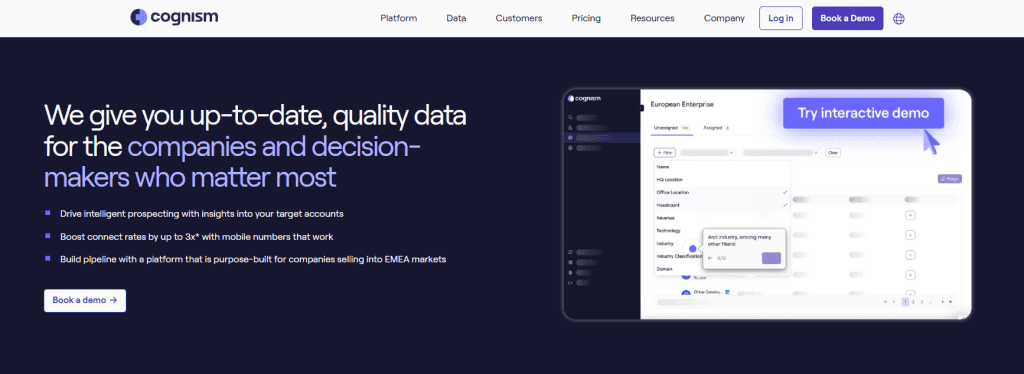
Cognism is known for GDPR-aware enrichment with strong EMEA data. It offers compliant B2B contact data, Diamond-verified phone numbers, and research assistance for filling hard-to-reach roles.
Top Features
- GDPR-oriented enrichment, consent frameworks, and Do-Not-Call filters.
- Diamond data (human-verified numbers) and research-on-demand.
- Firmographic and technographic context; intent options via partners.
- Salesforce, HubSpot, Outreach, Salesloft integrations.
Best For
- EMEA-focused teams prioritizing compliance and accurate phone numbers.
- Companies that need a mix of automation and human verification.
Pricing
- Annual contracts; custom quotes.
- Mid-market friendly compared to some enterprise incumbents.
The Good
- EMEA accuracy and compliance story stands out.
- Diamond-verified numbers are frequently credited for higher connect rates.
- Responsive customer success and research-on-demand wins praise.
The Bad
- US coverage lags behind ZoomInfo in some segments.
- UI and list management feel “utilitarian” to some users.
- Credit consumption can feel fast if dialing-heavy teams rely only on verified numbers.
4) Apollo.io
Overview:
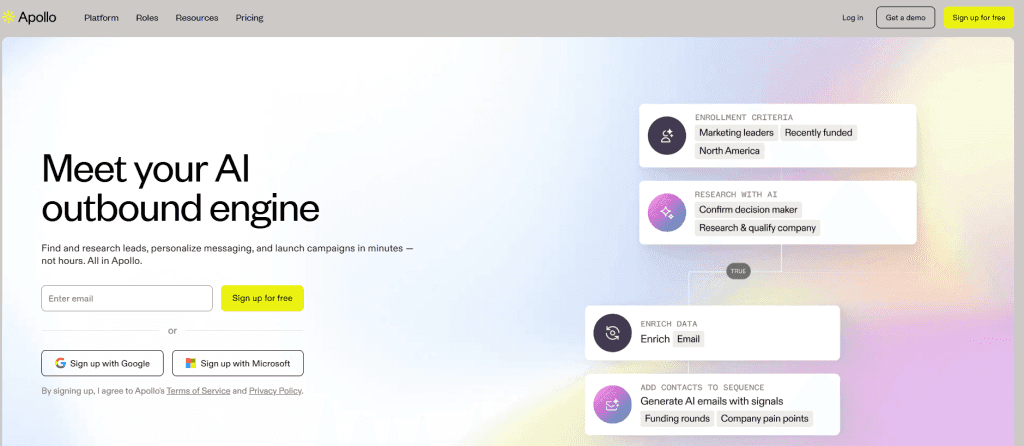
Apollo blends a large B2B database with sequencing, light CRM, and enrichment. It’s popular with scrappy teams that want a lot of capability per dollar and don’t mind an “all-in-one” feel.
Top Features
- Large contact database, emails, some direct dials.
- Outreach sequences, inbox, basic CRM objects, and analytics.
- Enrichment and list building with filters on tech stack, seniority, location.
- Integrations with Salesforce, HubSpot, Outreach, and more.
Best For
- Startups and SMBs that want prospecting + enrichment + outreach in one tool.
- Teams testing outbound before committing to heavier contracts.
Pricing
- Free tier; paid per-seat plans historically around $49–$99/user/month for self-serve.
- Organization/advanced tiers and add-ons for higher usage.
The Good
- Value: lots of features for the price.
- Fast iteration and frequent feature releases.
- Easy for SDRs to start building and enriching lists immediately.
The Bad
- Data accuracy varies by segment; phone coverage trails enterprise providers.
- Billing/support complaints appear in reviews, especially on annual commitments.
- All-in-one approach can feel cluttered; teams outgrow the workflow logic.
5) Lusha
Overview:
A clean, simple contact enrichment tool with a strong Chrome extension presence. Lusha focuses on quick access to emails and direct dials from company sites and LinkedIn, with straightforward team pricing.
Top Features
- Chrome extension for contact reveal on LinkedIn and company pages.
- Emails and many direct dials; list enrichment and CSV upload.
- Team workspaces and CRM integrations (Salesforce, HubSpot).
- Credits model with shared/team options.
Best For
- SDR/BDR teams that want easy, day-to-day enrichment while prospecting online.
- SMB and mid-market teams favoring straightforward pricing over sprawling platforms.
Pricing
- Free tier; paid tiers historically starting near $29–$60/user/month.
- Higher-volume plans for teams and enterprise quotes.
The Good
- Very easy to use; reps adopt it quickly.
- Good value for teams that don’t need deep intent or technographics.
- Chrome extension workflow is smooth and fast.
The Bad
- Accuracy is mixed across regions and roles.
- Credits run out quickly for active teams.
- Reviewers sometimes mention aggressive upsell motions.
- Dependency on one data source.
6) SalesIntel
Overview:
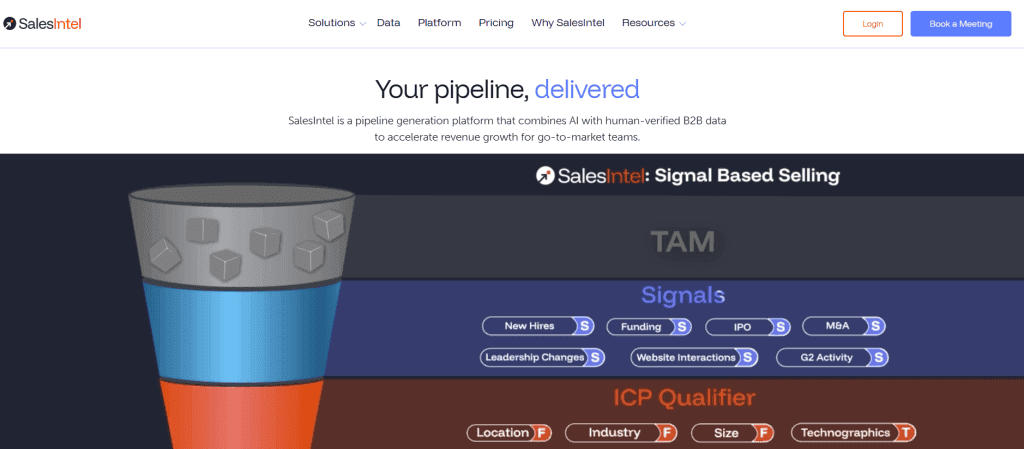
SalesIntel combines a B2B database with human-verified contacts and a research-on-demand service. It appeals to teams that care more about verified precision than raw volume.
Top Features
- Human-verified contacts with periodic re-verification.
- Research-on-demand to hunt down hard-to-find contacts.
- Company enrichment, technographics, intent via partners (e.g., Bombora).
- Integrations with Salesforce, HubSpot, Outreach, Salesloft.
Best For
- Teams where connect rate matters more than list size: enterprise, verticalized sales.
- Ops-minded orgs that want verification SLAs and research backup.
Pricing
- Annual contracts; custom quotes.
- Research-on-demand is typically an add-on or tier feature.
The Good
- Verified quality frequently cited as saving time and boosting connect rates.
- Research team responsiveness gets positive mentions.
- Helpful for niche roles and smaller markets where generic data is weak.
The Bad
- Smaller raw coverage than the very largest providers.
- UI and speed can feel behind more modern products.
- Research SLAs can be slower during peak demand.
- Annual contracts, no easy way out of the subscription.
7) Clay
Overview:
Clay is a new-generation prospecting and enrichment platform that lets you orchestrate enrichment workflows across multiple data providers (Clearbit, Apollo, LinkedIn, Crunchbase, Google Maps, etc.) without coding. Instead of being a single dataset, Clay is like an automation layer where SDR teams build dynamic lists, enrich them in real time, and push them into outreach tools.
Top Features
- 50+ native data sources: emails, phones, company data, socials, technographics.
- Custom workflows: if-then enrichment logic, deduplication, multi-source fallback.
- Integration with LinkedIn, Apollo, Clearbit, Crunchbase, and more.
- Google Sheets-like interface for enrichment and filtering.
- Direct integrations with Outreach, HubSpot, Salesforce, Salesloft.
Best For
- SDR and growth teams that want to combine multiple enrichment providers into one workflow.
- Startups that value automation and flexibility over single-vendor lock-in.
- Teams experimenting with outbound personalization at scale.
Pricing
- Starter plans around $149/month.
- Growth/Pro tiers for higher usage and advanced integrations.
- Custom pricing for large teams and enterprise orchestration.
The Good
- “One workspace, many providers”: teams highlight the ability to combine multiple sources (e.g., Clearbit + Apollo + LinkedIn scraping) without switching tabs.
- Personalization at scale: reviewers love that Clay can enrich contacts with data points like recent funding, tools used, or even job postings, and then feed that into outreach.
- Flexible and modern UX: often described as “Google Sheets meets Zapier for sales.”
The Bad
- Setup complexity: some teams say the initial workflow building is confusing until you get the hang of it.
- Users run through credits fast, making it impossible to plan your budgets.
- Cost scaling: pricing can climb quickly if you run thousands of enrichment rows across multiple providers.
- Reliability depends on third-party APIs-if a source throttles or changes, enrichment jobs may break.
8) Seamless.AI
Overview:
Seamless.AI offers a large database of emails and phone numbers with a Chrome extension for enrichment on LinkedIn and the web. It’s popular with outbound teams that want a steady stream of contact details and don’t need deep ABM extras.
Top Features
- Chrome extension for quick enrichment on profiles and company sites.
- Bulk list building and CSV enrichment.
- Integrations with Salesforce, HubSpot, Outreach, Salesloft.
- Training content and scripts for prospecting.
Best For
- SDR teams that prioritize volume of contacts and fast research.
- Budget-conscious orgs that still want plenty of numbers/emails.
Pricing
- Per-seat pricing; historically often in the low-to-mid hundreds per user per month on annual terms.
- Business/Enterprise tiers available.
The Good
- Many users cite strong coverage of emails and a steady flow of numbers.
- Chrome extension workflow is fast for day-to-day prospecting.
- Frequent promotions and bundles make it accessible.
The Bad
- Billing/cancellation complaints show up in public reviews; read the contract closely.
- Data duplication and variable accuracy appear in user feedback.
- Heavy LinkedIn usage can be constrained by platform limits.
Quick Comparison Insights (Who Wins Where?)
- Best for LinkedIn centric, ABM focused teams: LeadDelta
- Best coverage: ZoomInfo or Seamless.AI
- Best for EU compliance & verified phones: Cognism
- Best all-in-one for scrappy teams: Apollo.io or Seamless.ai
- Best simplicity: Seamless.AI
- Best for human-verified quality: SalesIntel
- Best automation & API: Clay
- Best for Chrome & Simplicity: LeadDelta
FAQs
What is B2B data enrichment?
It’s the process of filling missing fields (emails, direct dials, seniority, industry, tech stack, intent, etc.) on person and company records so sales and marketing can target, route, and report with confidence.
Is enrichment legal and compliant?
It depends on the provider, region, purpose, and your own data handling. If you operate in the EU/UK, pay attention to GDPR, legitimate interest assessments, and DNC rules.
How do I measure enrichment quality?
Track: (1) match rate by segment, (2) email deliverability, (3) phone connect rate, (4) meeting conversion from enriched records, and (5) downstream pipeline and revenue. Quality shows up in outcomes, not just field fill rates.
Final Thoughts
If you sell from your network and LinkedIn, start with LeadDelta – it turns relationships into organized, enriched segments you can actually work with.
Pick the motion first, test match rates on your real ICP, and prove outcomes – meetings and pipeline – not just field fill.
That’s how enrichment stops being a cost center and starts paying for itself.

