October 15, 2026Latest
Connect LinkedIn With Your Browser Session, Plus Fresher Company Data
Connecting LinkedIn just got easier. Classic LinkedIn, Sales Navigator and Recruiter accounts can now connect using the session already open in your browser, and your company data stays current on its own.
What’s New
- Browser session login — connect Classic LinkedIn, Sales Navigator and Recruiter accounts using the session already open in your browser, with no second login. Reconnecting those accounts is fixed too
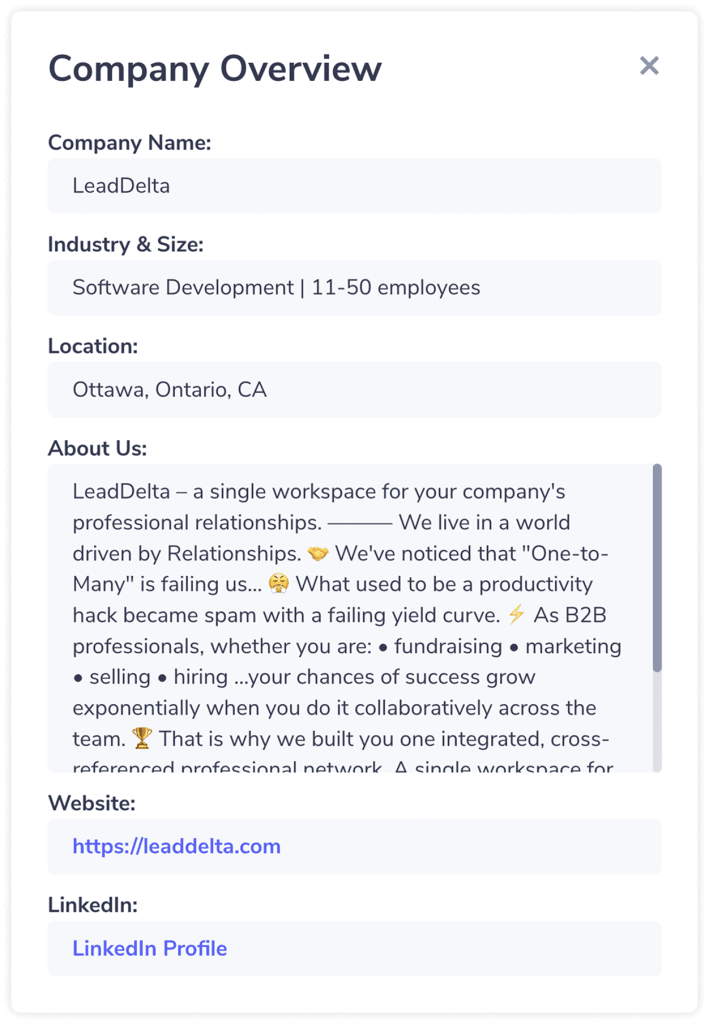
- Fresher company data — rebuilt data enrichment keeps company details current, and company links show up without a manual update
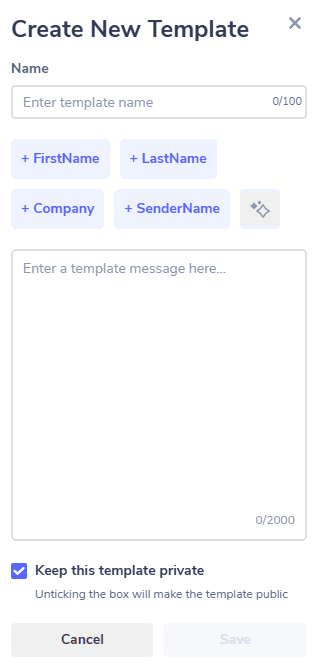
- Variable warnings in Campaigns — type a name or company variable by hand in the wrong format and the editor flags it before anything sends, showing you the correct one. Use the Insert variable menu and you'll never see the warning
- Sales Navigator connection notes — notes on connection requests to Sales Navigator leads now land on LinkedIn
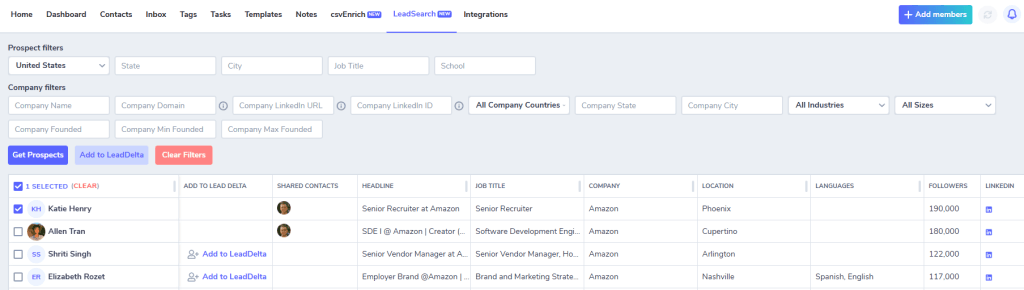
- Updated industries — filters now include LinkedIn's renamed industries, like Software Development (formerly Computer Software)
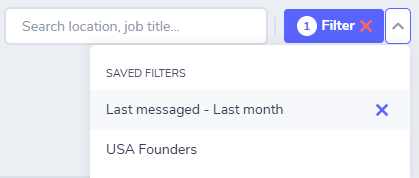
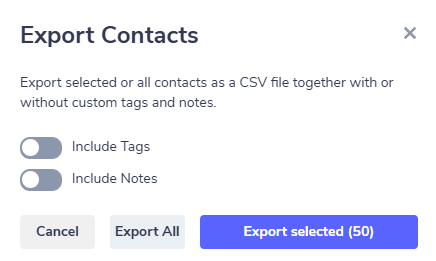
- Cleaner campaign filters — filters from your Contacts page no longer carry over into Campaigns
Why It Matters
Every extra login is one more reason to put off setup. Now you connect LinkedIn from the browser you're already using, and your campaign catches a broken variable before a lead ever sees it. LeadDelta's browser session login connects your Classic LinkedIn, Sales Navigator or Recruiter account using the LinkedIn session already open in your browser, so there's no separate sign-in. With fresher company data behind it, your lists and messages start from accurate information.
![LeadDelta's new left sidebar showing Home, Contacts, Inbox and Dashboard up top, with Manage and Tools sections below and the workspace switcher and credits balance pinned to the edges"]](https://trusty-star-0156dbb25f.media.strapiapp.com/Screenshot_2026_06_01_at_4_07_17_PM_181x1024_dcb7e020a9.png)