
See posts only from the people who matter most
LinkedIn’s algorithm decides what you see — usually a wall of viral strangers and ads. Custom feeds flip it: you pick the people who matter, see only their posts, and engage where it actually moves a relationship.

Just launched our new AI-powered analytics suite — three years in the making. Huge thanks to the team.

I wrote a short piece on how the tech industry is rethinking pipeline in 2026. Link in comments.
What is a custom LinkedIn feed?
A custom LinkedIn feed is a stream of posts from a specific list of people you choose — not whatever the algorithm decides to surface. LinkedIn lets you tweak your feed preferences and follow or mute accounts, but it won’t build you a dedicated feed per audience. LeadDelta does: one feed for prospects, one for customers, one for your team — each showing only their posts (all customizable).
Just launched our new AI-powered analytics suite — three years in the making.
I wrote a short piece on how the tech industry is rethinking pipeline in 2026.
LinkedIn built you an echo chamber
Open LinkedIn and you get viral posts from people you half-remember, sandwiched between ads and “so-and-so commented.” The posts you’d actually benefit from engaging with — your trials, your prospects, your partners — scroll right past you. Custom feeds cut through the noise so you stop reacting to whatever’s loudest and start showing up where it matters.
How custom feeds work
Choose who matters.
Pick people from your LeadDelta network — or add anyone from LinkedIn, even people you’re not connected to, with one click.
LeadDelta builds the feed.
We pull their recent posts into a named feed — Prospects, Customers, Partners, whatever you choose.
Engage in minutes.
Comment and message right from the feed, without switching screens or losing context.
Built for engaging, not doom-scrolling


Add people from your CRM
Import your contacts in bulk from your CRM, or use the browser extension to add any LinkedIn profile to a feed with one click. Works on connections and non-connections alike.
Start freeContacts added to feed
Drop any LinkedIn profile into a feed
Add people from your CRM in bulk, or grab anyone from LinkedIn with “add to LeadDelta” — even non-connections.
Start freeKeyword, recency, and a cap so no one dominates
Filter by keyword, see only the latest posts (within a few days), and cap how many posts per person so no one dominates.
Start freeComment and DM without switching screens
Engage and message from the same screen, knowing exactly who you’re talking to.
Start freeJust launched our new AI-powered analytics suite — three years in the making.

Plugs into the stack you already run
LeadDelta syncs with the CRM, email, and calendar your team works in every day — so your network data lives where you need it.


Custom feeds: the manual way vs LeadDelta
| Feature | Manual (LinkedIn search + Posts filter) | LeadDelta custom feeds |
|---|---|---|
| Persistent (saved, always on) | Yes | |
| Multiple feeds per audience | Yes | |
| Include non-connections / prospects | Yes | |
| Multiple filters: date, # posts, keywords | Yes | |
| Comment AND DM with sidebar context | Yes | |
| Team engagement and focused feed | Yes |
Recognized as a leading app

4.6/5


4.5/5

4.8/5

4.8/5
Questions? We’ve got answers.
Everything you need to know before getting started.
A little — LinkedIn lets you follow, mute, and set "most relevant" vs "most recent." But it won’t build a dedicated feed of a specific list of people. For that you need a custom feed tool like LeadDelta.
LinkedIn’s own feed is algorithmic, so you can’t pin it to a fixed list. With LeadDelta you pick the people you care about and we build a feed that shows only their posts — one place, no algorithm.
Yes. Add anyone from LinkedIn — even people you’re not connected to — with one click via the LeadDelta sidebar, and their public posts flow straight into your feed.
Yes. On Team Workspace plans feeds live in a shared workspace, so your whole team can follow and engage with the same prospects, customers, and partners.
You can start with a free trial, no credit card required. Custom feeds are included in LeadDelta’s paid plans — see the pricing page for the details.
Latest from the LeadDelta blog
Discover new B2B networking insights and how you can use LeadDelta to grow.
 LinkedIn 101June 1, 2026Read more
How the LinkedIn Social Media Echo Chamber Really Works (and How to Own It in 2026)
Everyone’s optimizing for the wrong thing on LinkedIn. The feed is an echo chamber by design, and you’re not getting out. The move isn’t to beat it — it’s to train it. The 7-point playbook, inside.
 ProductMay 31, 2026Read more
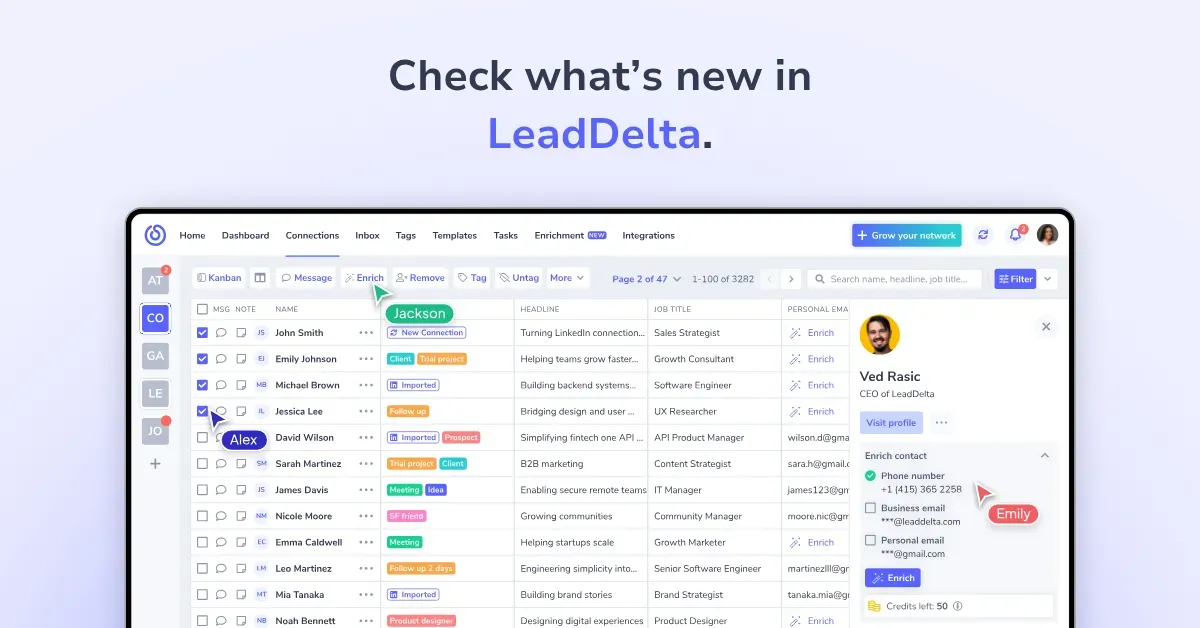
What’s New in LeadDelta – Product Releases
Find everything we’ve shipped in LeadDelta – from powerful new features to smaller improvements. Check product releases here.
 LinkedIn 101May 22, 2026Read more
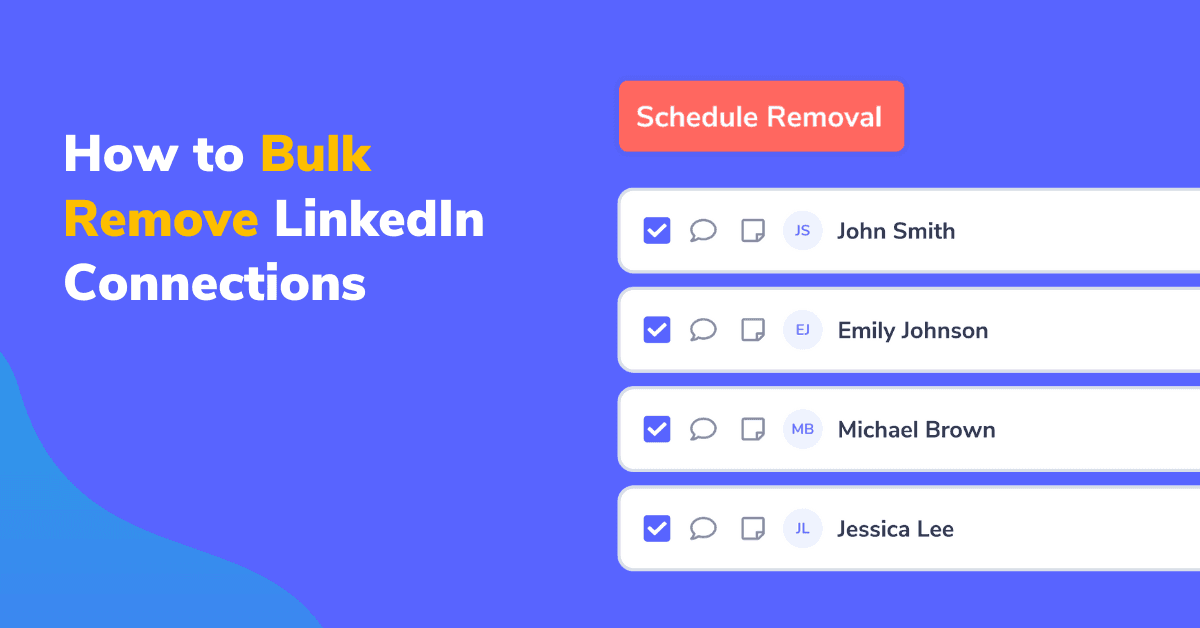
How to Remove LinkedIn Connections in Bulk (and why you should do it)
Irrelevant and inactive connections can hurt your reach and clutter your network making it hard to navigate it. So let’s take a look at how to remove LinkedIn connections and keep your network up to date.

Ready to turn engagement into a repeatable workflow?
Join 40,000+ founders, sales teams, and recruiters turning LinkedIn into pipeline.
No credit card required