

Whether you’re starting a sales or marketing campaign, or doing in-depth research, people’s emails are considered gold in the digital world.
This is exactly why they may be hard to find, but there’s always a way.
In this guide, we’ll show you how to get emails from LinkedIn, from native methods to using a powerful LinkedIn email finder like LeadDelta.
How To Find Email on LinkedIn
Here is a step-by-step guide on how to find email from LinkedIn directly through profiles:
- Navigate to a person’s profile by searching for them in the LinkedIn search, or finding them in your feed or inbox.
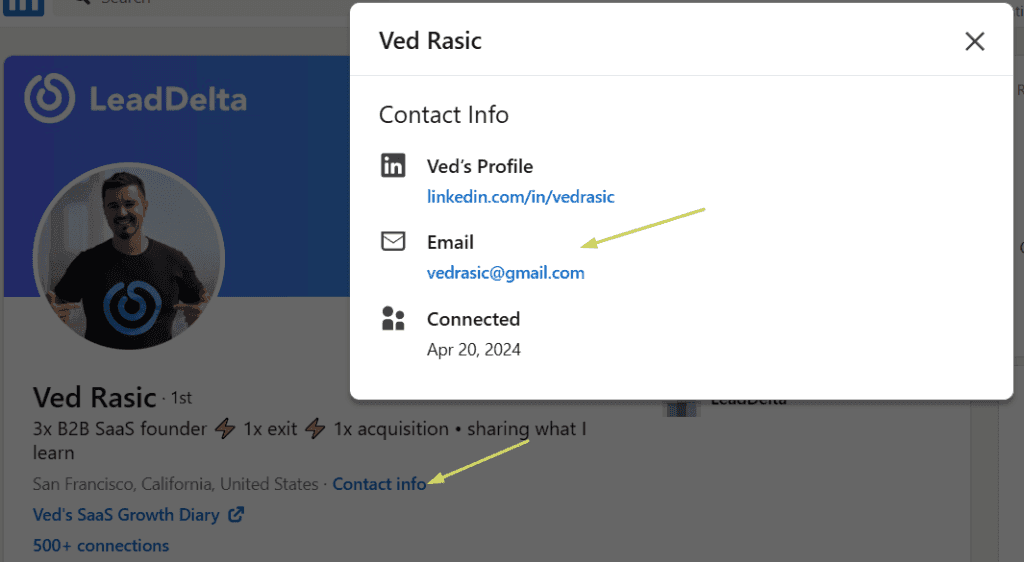
- Click on the “Contact Info” button under their profile picture to see their details.
- The info box will appear, displaying the email. You might also find other contact information, such as phone numbers, websites, or social media links.
Limitations
- You can only view the email addresses of your connections. If you are not connected with someone, you cannot see their email address unless they have made it publicly available on their profile.
- This method also takes time as you need to go over each profile one at a time, which isn’t convenient if you want to find emails of multiple people.
How To Get Emails From LinkedIn Connections in Bulk
What if you want to build lists of email addresses from LinkedIn? The first method isn’t going to work for you.
LinkedIn offers a built-in feature that allows users to bulk extract emails from their connections.
Here’s how to do it:
- Click on your profile image in the top right corner and click the “Settings & Privacy” option.
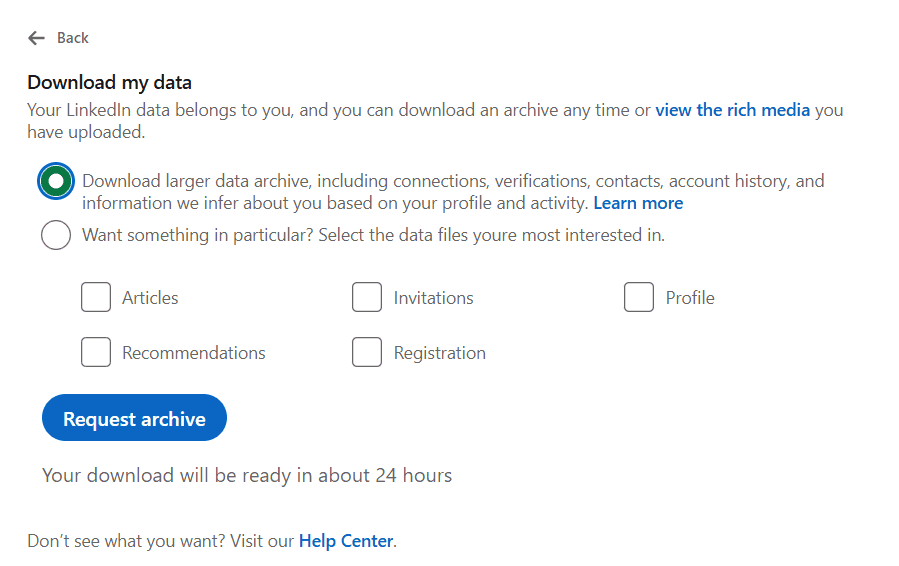
- Click the “Data Privacy” setting and look for the “Get a copy of your data” option.
- Select the first option and click “Request Archive”.
Limitations
- It takes around 48 hours to get an export of your connections and their data.
- LinkedIn will get you an export of your entire network, requiring you to filter through this data.
- Due to LinkedIn’s privacy settings, most email addresses won’t be included in the export.
- This method only allows you to extract emails from your 1st-degree connection, limiting you if you’re going to do cold campaigns.
- Email data might be outdated.
This method is slow and incomplete. For professionals, a dedicated LinkedIn email finder is far more effective.
How To Get Emails From LinkedIn With LeadDelta
LeadDelta is designed to enhance your LinkedIn networking experience by organizing your connections more effectively and allowing you to enrich contact data.
How it works
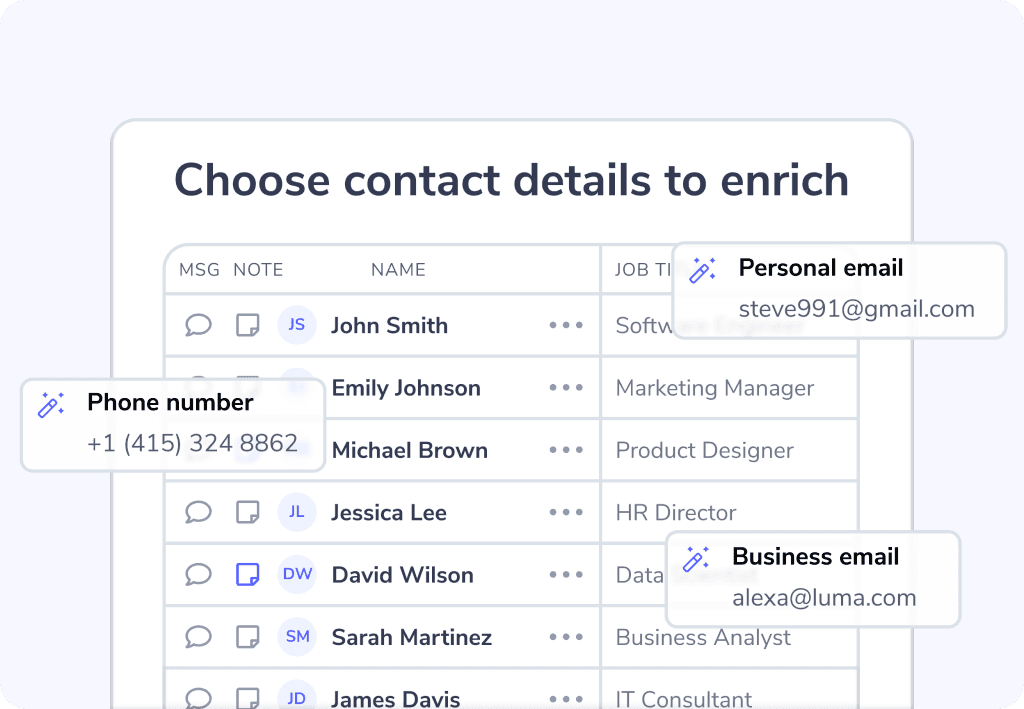
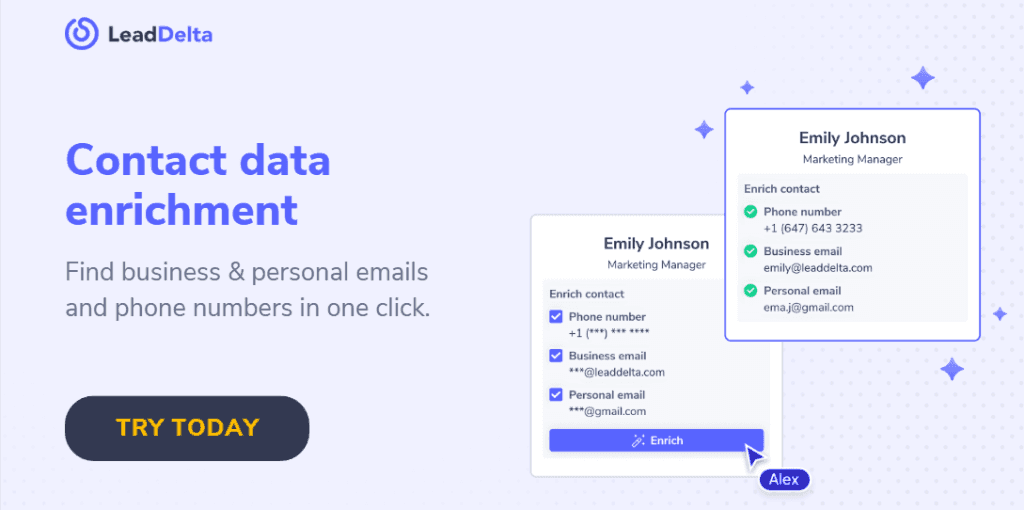
Once you create your LeadDelta account, all your LinkedIn connections will be synced. From there, you can enrich contact data (personal email, business email, and phone number) in seconds.
- Filter the connections you want to enrich or upload a CSV.
- LeadDelta’s enrichment pulls verified data instantly.
- Export the results in one click.
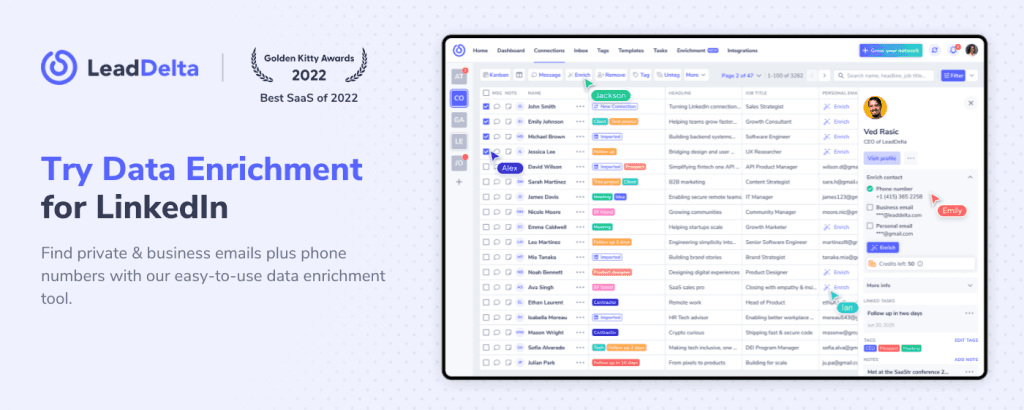
LeadDelta Enrichment helps you skip the manual research, it works based on flexible credit packages and gets verified results in just a few seconds.
Get emails from LinkedIn contacts that are not in your network
Using LeadDelta Sidebar, you can prospect faster:
- Enrich their details to get verified emails – even if they aren’t your 1st-degree connections.
- Visit any LinkedIn profile, search page, company employee list, or event attendee list.
- Bulk import those contacts directly into LeadDelta.
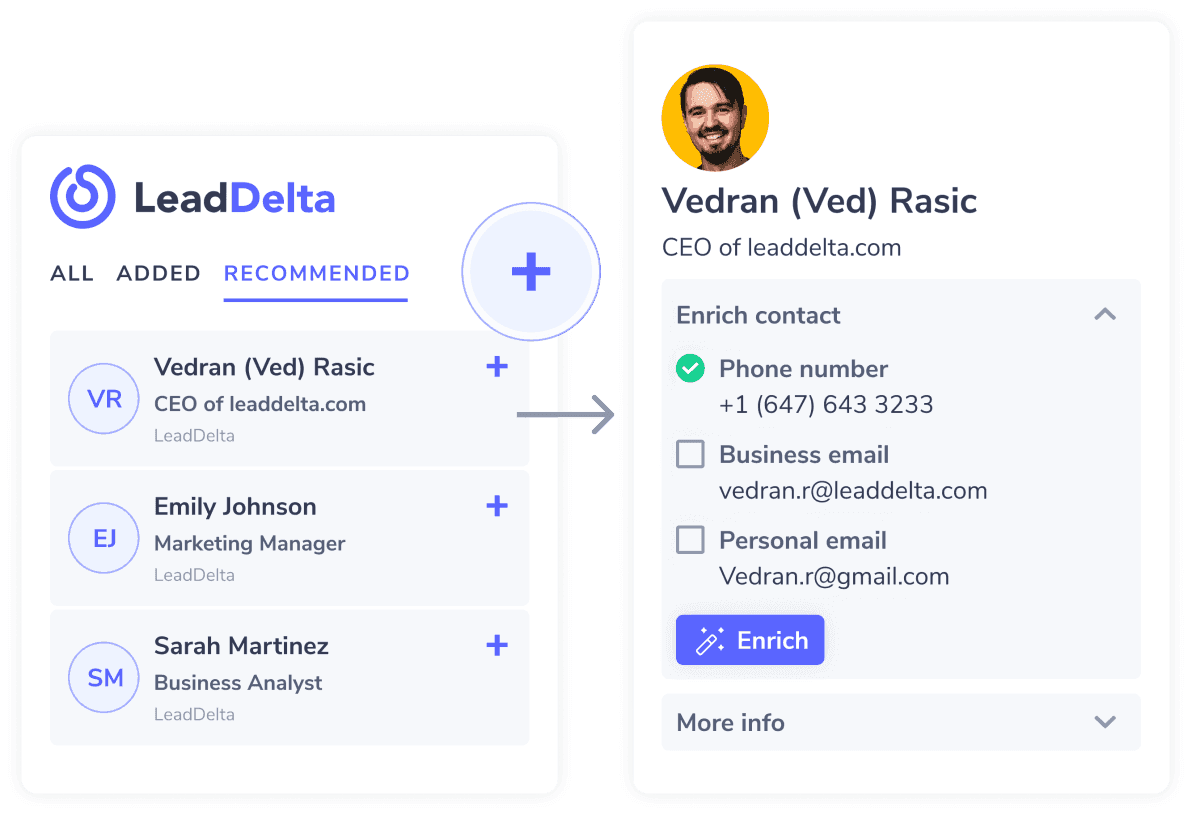
Even better, you can get emails from them while on LinkedIn.
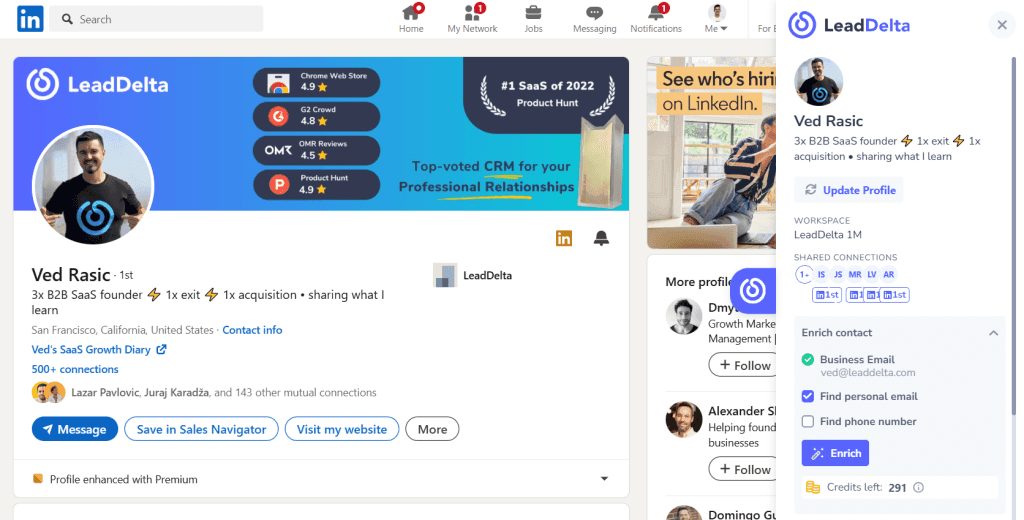
This allows you to get emails from people you aren’t connected with.
After you have enriched key contact details, it’s easy to make lists and export the desired results.
Read more on how LeadDelta Enrichment works.
Prospect smarter with LeadSearch
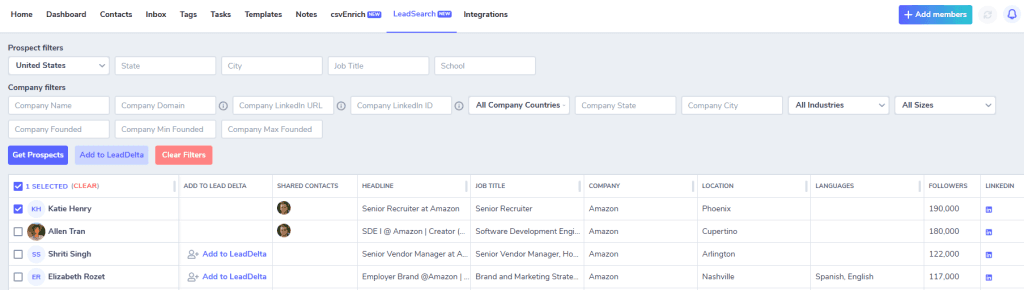
LeadDelta’s built-in prospecting tool helps you find new people on LinkedIn, outside your network.
Search for people by job title, location, company, industry, and many other options – and instantly build highly targeted lists of decision-makers.
Once you identify the right profiles, you can import them into LeadDelta with a single click and use enrichment to get verified emails and phone numbers in seconds.
This makes LeadSearch the ultimate combination of LinkedIn prospecting and verified data extraction, turning your LinkedIn search into a ready-to-use contact list.
Frequently Asked Questions (FAQs)
Is it legal to extract emails from LinkedIn connections?
Extracting emails from your own 1st-degree connections is generally permissible, provided you respect data privacy laws (e.g., GDPR, CCPA).
Does LinkedIn notify my connections when I export their email addresses?
No, LinkedIn does not notify connections when you export their contact information.
Can I extract emails from 2nd and 3rd-degree LinkedIn connections?
Not with LinkedIn’s native tool. However, LeadDelta allows you to find email from LinkedIn connections you aren’t directly connected with.
What’s the fastest way to get emails from LinkedIn connections?
Using LinkedIn’s built-in export tool is very slow. LeadDelta offers the fastest and most accurate results.
Why can’t I see emails for all my LinkedIn connections?
Users control their privacy settings and may choose to hide their email addresses from connections. Using the Enrichment feature, LeadDelta allows you to get personal emails, business emails, and phone numbers for any LinkedIn contact.
Does LinkedIn Premium or Sales Navigator offer better email extraction features?
These tools don’t improve email exports. A tool like LeadDelta works better as a LinkedIn email finder.
Conclusion
Learning how to get emails from LinkedIn is key for sales, recruiting, or networking success.
By following the guidelines and steps outlined in our guide you’ll be one step closer to your winning campaign.
Always focus on adding value in your outreach, and use the right tools to scale your efforts effectively.

