
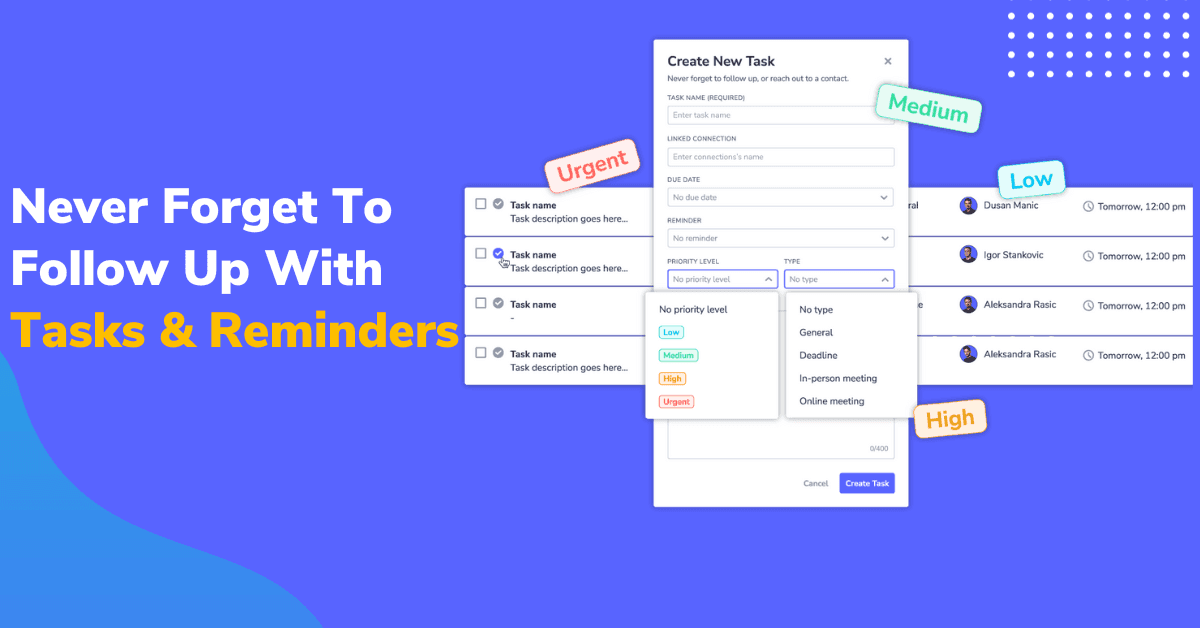
Let’s face it: if networking is a big part of your life, you probably always have a lot on your mind.
There’s always someone to connect with, send someone a follow-up, introduce, or keep in touch with people.
You have so much to do, but your brain can’t juggle many important tasks simultaneously.
Not to mention your daily obligations, work, and family, everything gets mixed and becomes overwhelming.
The solution is to separate your networking tasks and everything else and have a dedicated to-do list for your networking activities.
Let’s take a look at how LeadDelta does this.
What Are LeadDelta Tasks and Reminders?
You can think of LeadDelta Tasks and Reminders as a to-do list specifically built for your networking activities.
They allow you to network with people without the fear of forgetting something important, seamlessly blending your LinkedIn network and conversations with a to-do list.
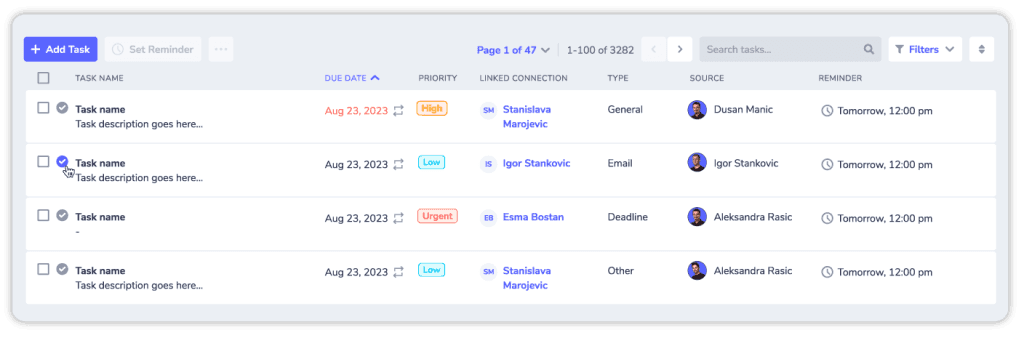
What makes it different from a traditional to-do list is linking tasks and specific connections.
You aren’t just creating tasks like “Contact John about a sales proposal.” and letting it sit together with all other tasks.
You are creating a task that is specifically linked to John, making the effort of creating tasks intentional and easier to track, especially when you want to contact, follow up, catch-up… with multiple people.

Now, let’s explore how you can easily create tasks in just a few clicks.
How To Create Tasks in LeadDelta
Creating tasks is very simple. By clicking on the “Tasks and Reminders” tab, you will see a database with all your tasks in one place.

Let’s create a task:
Click the “+ Add Task” button on the left, and a task sidebar will appear on the right.
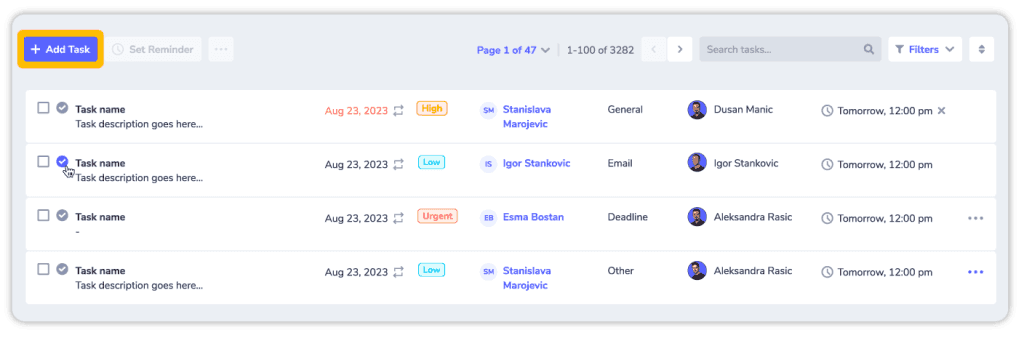
This is where you will specify your task by filling in the appropriate fields. Note that if you’re in a hurry, only the “Task name” field is mandatory, and you can edit the other areas when you have more time.

Let’s go field by field and how best to fill each one.
Task Name is the only required field and should be clear and concise in describing the task.
Linked Connection determines which connection the task will be linked to. For example, select John Doe from your LinkedIn network and link the “Follow Up” task to him.
Due Date tells you when the task needs to be completed and helps you manage your time more efficiently.
You can set a specific due date by picking it in the calendar or with quick actions:
- Tomorrow
- In a week
- In a month
And if a task is something you are continuously doing, you can set the specific task to repeat itself and how often. This is great if you want to check up on certain connections regularly.
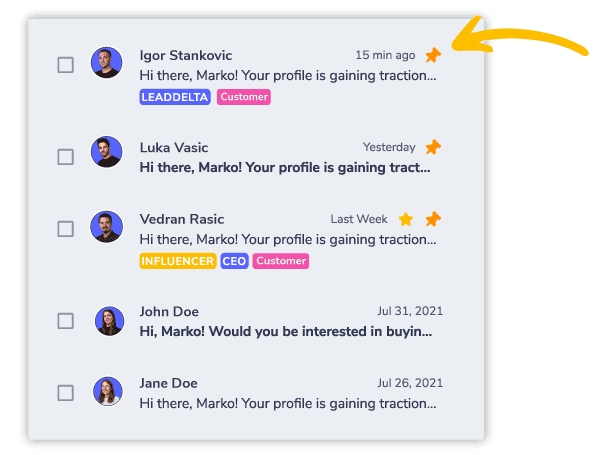
Reminders help you get back to your tasks on time via an email sent directly to your inbox, depending on when you set the reminder date. It’s best to set a reminder a day before the task so you get more time to work on it.
Priority Levels help you distinguish different tasks in your to-do list depending on their importance. They have four levels of priority.
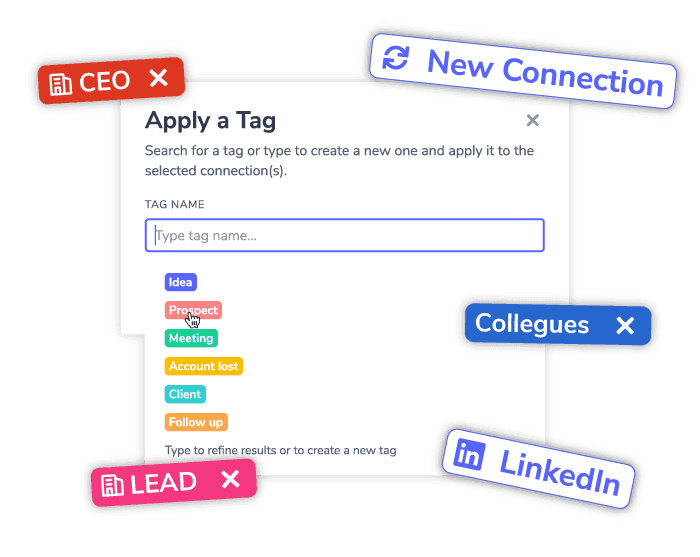
After this, you can easily see the most urgent task that needs your attention.
Types help you categorize tasks into activities you will most likely do while networking.
Task Description lets you expand on the task and get into much more detail. It’s best to go as deep into the task as possible, especially if it is scheduled for weeks or months in advance.
After hitting the “Create Task” button, your task will be added to your to-do list, and you will get a brief reminder that you should work on depending on your reminder date.
But this isn’t the only way you can create a task in LeadDelta because, sometimes, you’re scrolling through your network or conversing with a connection, and you don’t want to click on a separate window just to add a task, and you don’t want to forget it.
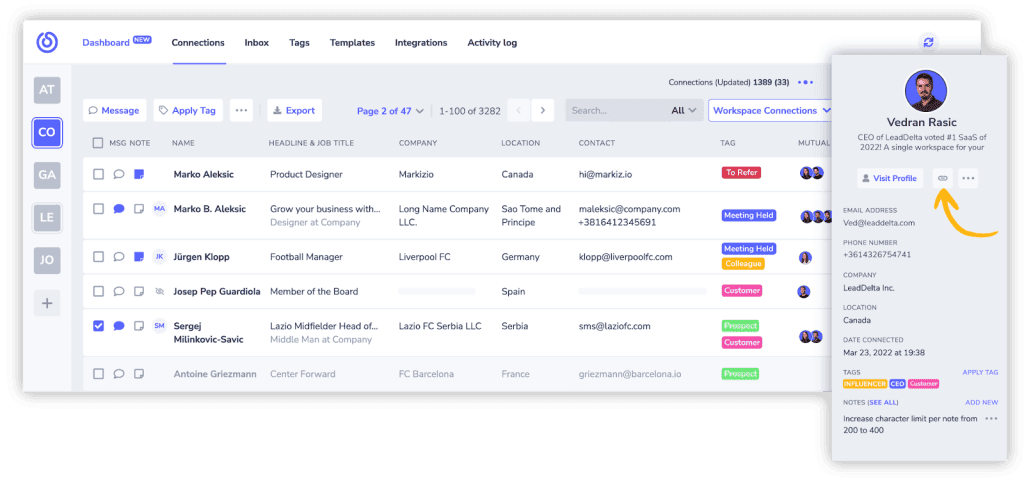
While viewing your network with LeadDelta, you can click on any connection, and a sidebar will pop up with their information, and you will see a “Link to task” button.
When clicked, the LeadDelta sidebar to create a task will open, with that connection automatically linked to the task.
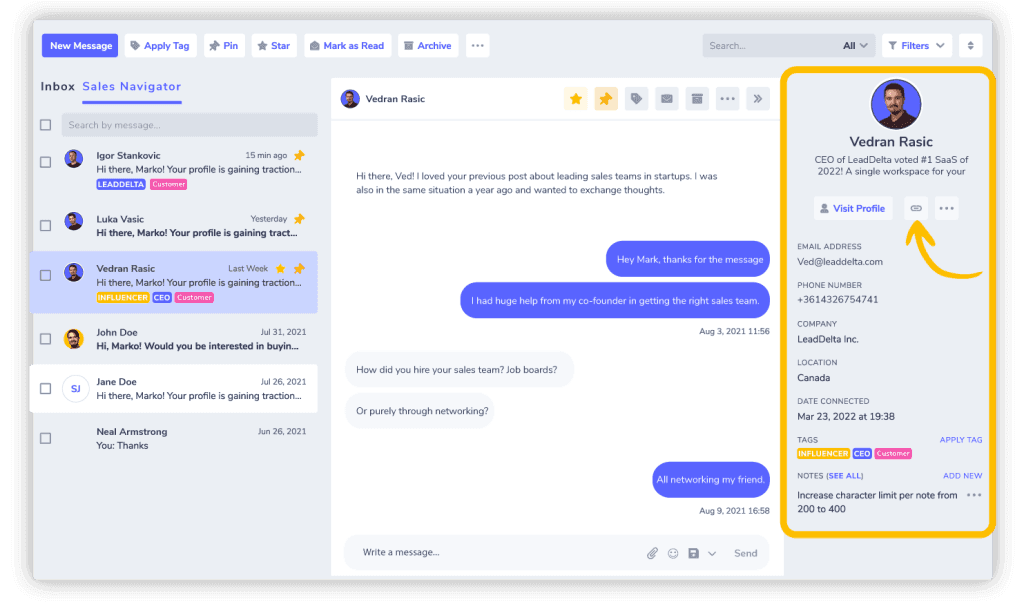
The same process goes for using the smart inbox and opening the sidebar while directly communicating with the connection.
Filtering Your Tasks
After creating many tasks, your to-do list might get overwhelming; even with reminders, you can lose track of what you want to finish.
Luckily, you can use Filters to create a better view of your tasks.
By clicking on the “Filters” button, you will be able to filter the task list by six parameters like the type, urgency, date…
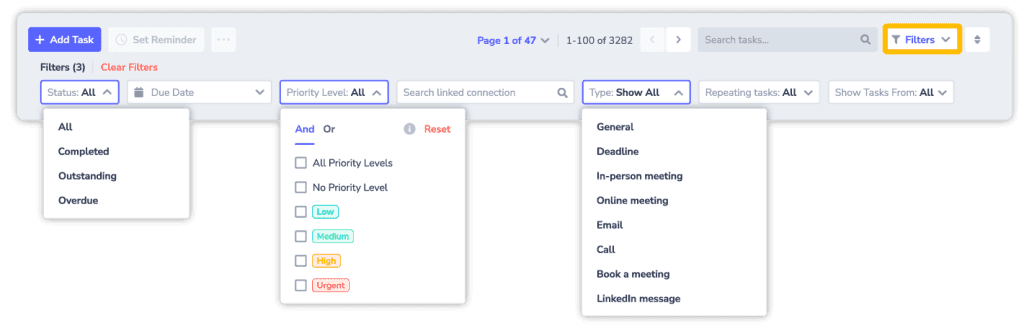
And once you complete any task, just click the checkmark and you’re done, the task will go into your archive.
Why Should You Create Networking Tasks?
There are many reasons why you need to track tasks while networking.
From just remembering to follow up, all the way to managing who you should connect with, you should never hope to remember all of it.
Here are just three reasons why you should create tasks for your networking activities.
Forgetting to Deliver on Your Promises
Networking is all about building trust with people, and this trust usually comes in the form of promises you make.
Imagine telling someone, “I’ll deliver you the information you requested next week.”
During that week, you probably had 20 more conversations and 12 tasks in your business, and who knows what? It’s normal that you forget about your promise.
This breaks trust between you and your connection and, in the long run, loses you opportunities.
It’s the same with forgetting to follow up about a deal for a period of time; you are losing sales.
But with a way to set up clear tasks and get timely reminders, this just can’t happen.
Promised something? Click one button and set a reminder to deliver on your promise.
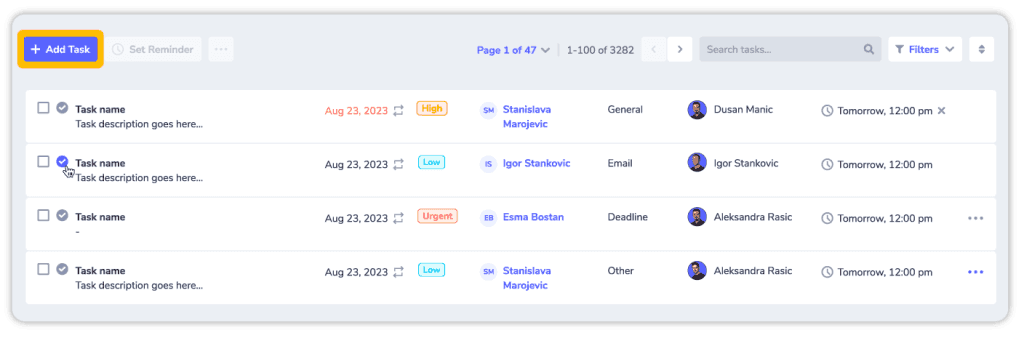
Get a reminder and always know who needs what from you because of the task being linked to them.
Forgot To Connect
You aren’t just following up with people on LinkedIn, you are actively growing your network and that takes so much effort.
Imagine finding an interesting person on LinkedIn. They might be a potential investor, lead, employee…
But it’s not the right time to connect and reach out to them just yet.
Fast forward a few months and you can’t find the person anywhere because you forgot who they are and why you wanted to contact them.
The best way to avoid this is to import them into LeadDelta with the Sidebar for safekeeping, even if they aren’t a 1st-degree connection.
Once they are in your database, simply create a task to connect and reach out to them in a month or two.
When you open your investing round, or start your sales campaign… you’ll get a reminder to reach out.
Using One To-Do List for Everything
We all use to-do lists and calendars in some form, but most of us use them for everything in our lives.
One to-do list for our business, personal life, family, random thoughts… everything.
If networking is a big part of your life, everyone requires something from you, most people more than just one thing.
Imagine extensively networking with 20 people, some of them require information, a follow-up, and a recommendation to contact them in a month…
You end up with over 50 tasks just from your networking efforts, which mixes with everything else and overwhelms you.
Having one place specifically designed for your networking tasks is the best way to separate networking from everything else.
Every time you log into LeadDelta, you know why you’re there, to network and your tasks reflect that.
Conclusion
Our brains aren’t meant to store dates and tasks; they are made to create and exchange ideas, and that’s what networking is all about.
Having a system designed to manage tasks you want to accomplish with your network is the first step towards productive networking.
LeadDelta’s tasks will help you get on top of your network and always know what needs to be done.
Focus on building trust, conversing, and connecting. Leave the rest to LeadDelta.

