
In the digital age, it’s never been easier to find new people to connect with, but that’s a double-edged sword.
More people to connect with = More people to keep tabs on.
This presents a problem where you start forgetting who people are and important information about them leading to you not being able to hold on to relationships.
This is where personal CRMs present themselves as solutions to the relationship management problem you may be facing.
What Is A Personal CRM?
A personal CRM is a software individuals use to easily communicate with, store information, and organize their contacts better for better relationship management.
Sometimes called PRM (personal relationship management) software, unlike traditional CRM used in business to manage customer relationships, personal CRMs focus on organizing personal relationships with colleagues, friends, family, and private business acquaintances.
You can think of them as digital contact books.
But unlike old-fashioned contact books, they give you more information about your contacts, have powerful tools to improve your communication and help you develop relationships.
Why Do You Need A Personal CRM?
The main purpose of having a personal CRM is to store your contacts in one place instead of in your head. It’s impossible to remember everything about everyone.
But they don’t just act as a database for your contacts, they enhance the way you work with them with automated task reminders, contact categories, filters, communication automation…
Here are some of the biggest benefits of using a personal CRM:
- They organize all of your contacts in one database
- They ensure you remember important information about your contacts
- They help you nurture relationships with your contacts
- They improve your communication with automation
- They remind you of tasks needed to be done
- They analyze your contact and network data
- They save you time and keep you productive
Now that you know how a personal CRM can help you and ease your day-to-day life, let’s take a look at the best CRM to use.
The Best Personal CRM Software
If you are looking for a personal CRM, this list will help you find the perfect match for your needs.
We recommend you give each software a try and decide which one suits you best.
Let’s get into the list:
LeadDelta
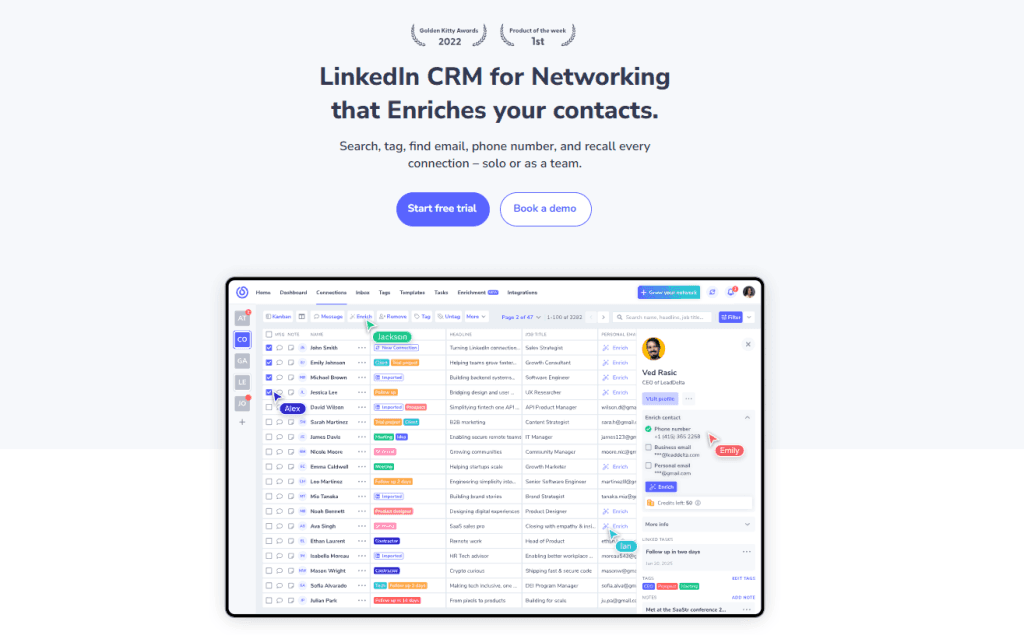
With the rise of LinkedIn as a leading networking platform, many users are using it to connect with colleagues, customers, friends, and acquaintances. But people are getting lost in their network. This is where LeadDelta comes in.
LeadDelta is an app that helps you organize your connections in a customized way that suits your needs, letting you focus on building relationships.
With its simple CRM-like view, it gives you a better view of your whole LinkedIn network with the ability to find exactly who you are looking for, manage different groups of people, keep tabs on contacts, and manage your conversations.
It is well-suited for both individuals and teams looking to take back control of their network and use it to grow.
Key Features
- Instant sync of your entire LinkedIn network (no need for manual imports).
- A customizable table view of your whole network.
- Kanban view for better organization.
- Advanced filters with 15+ data points to filter by.
- Customizable Tags & Notes.
- Ability to import 2nd and 3rd-degree connections with the Sidebar.
- Fresh contact data of your own LinkedIn connections and other contacts (personal email, business email, phone)
- Built-in prospecting tool for finding leads.
- Smart Inbox, which helps you manage your conversations.
- Bulk disconnect, message, and follow/unfollow actions.
- Connection sharing and collaboration features with team version.
Pricing
LeadDelta monthly plans start at $25. You can choose the Business version for more users. It also includes a 7-day trial period and complimentary data enrichment credits.
“Reclaim the power of your network to sell, hire, and grow.”
Clay
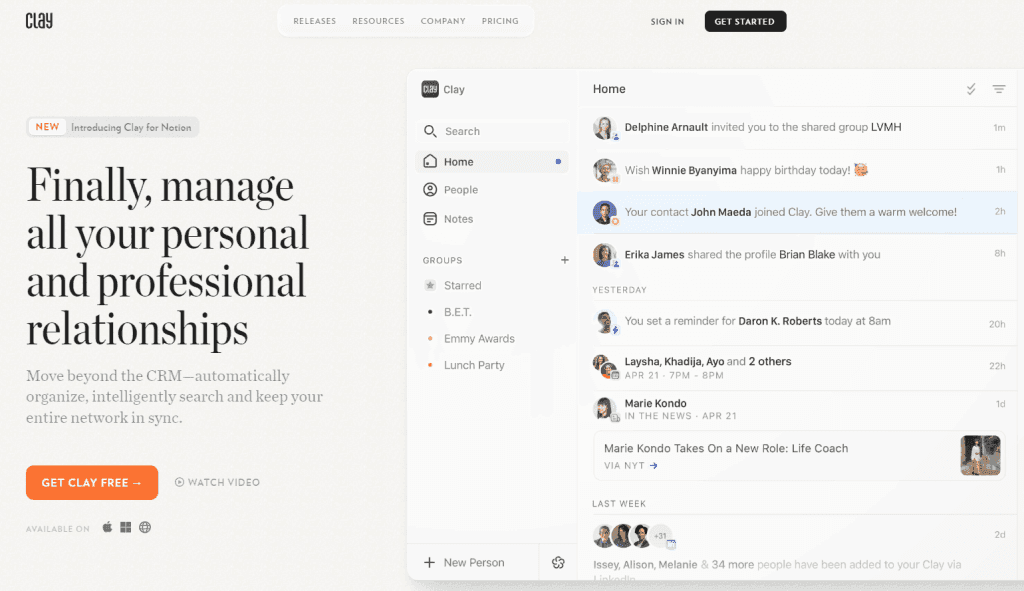
Clay is designed to help you manage and deepen relationships by consolidating your contacts from LinkedIn, Twitter, email, and calendar into one unified place. It provides detailed profiles, including social media activity, to give you a comprehensive view of each contact.
Key Features
- Unified contact profiles with social media data.
- Easy grouping and categorization of contacts.
- Automated follow-up reminders – Reconnect, Reminders, and Birthday notifications.
- Calendar integration for event-based reminders.
Pricing
Clay offers a free version with many features. The personal plan starts at $20/month, offering more advanced tools and unlimited contact imports. The team plan is priced at $49/month per seat, providing additional collaboration features.
“Be more thoughtful with the people in your network.”
Mogul
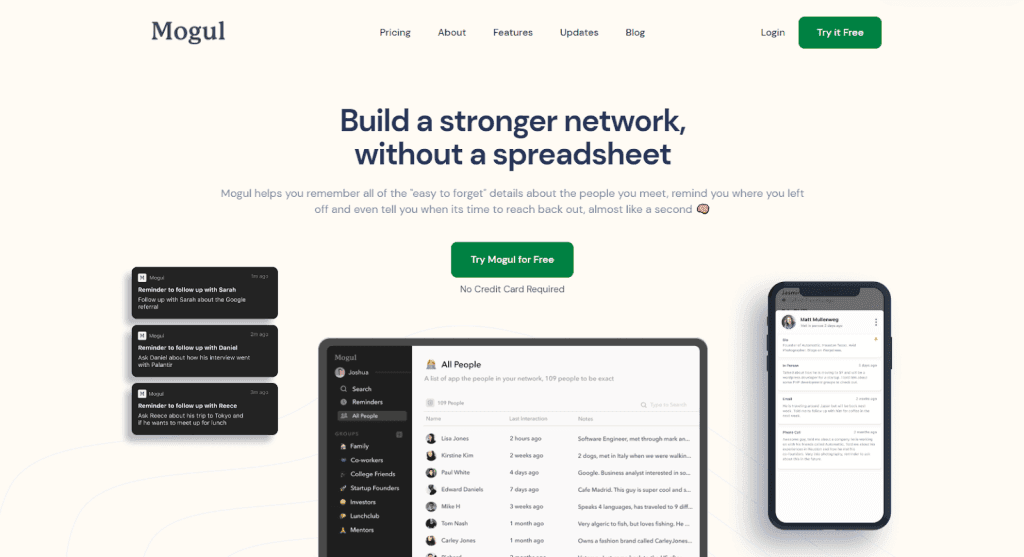
With Mogul you will always remember the important information about your contacts (birthdays, Interactions you had, goals with the contact).
It transforms your Google Sheets into an intuitive database of contacts with the ability to manage them in groups.
It’s a simple app that lets you remember “easy to forget” details about the people you meet and acts like a second brain for all contact information.
Key Features
- Organizing contacts into custom groups.
- CSV contact import.
- Quick search to find the right people you are looking for.
- A record of all of your interactions with a contact.
- Custom notes and reminders.
Pricing
Mogul offers a free option with very limited access to its features with an option to upgrade to the premium version which costs $9.99/month.
“Build a stronger network, without a spreadsheet”
Covve
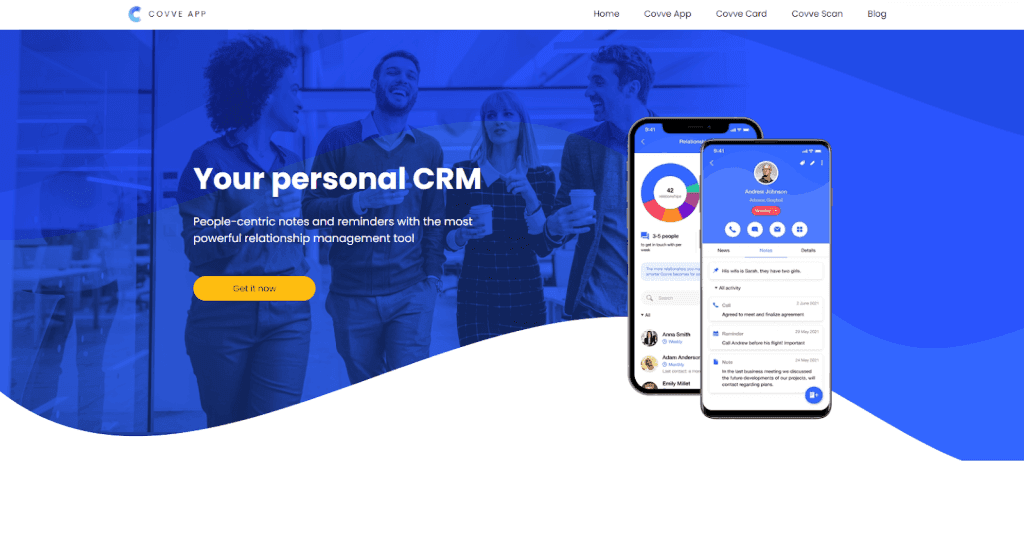
Covve is a lightweight CRM mobile app suited for business professionals looking to nurture their business relationships.
It helps you build relationships by reminding you when the best times are to reach out to your contacts and what you should say based on your notes.
With its web scraping tool, it helps you stay on top of any time one of your contacts is mentioned allowing you to follow up on them.
Key Features
- Smart reminders.
- Easy way to take notes about your contacts.
- News scraper about your contacts.
- Personal performance tracker.
Pricing
Covve offers a free version that limits you to 20 contacts only with an option to go premium for $9.99/month.
“People-centric notes and reminders.”
Streak
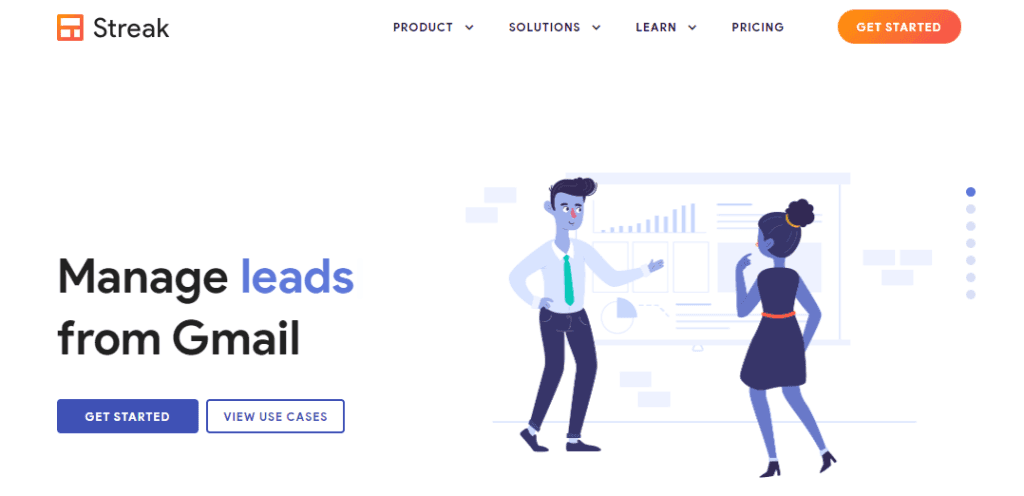
Streak is a Chrome extension built for better email management through the use of pipelines.
Streak seamlessly integrates with your email inbox and gives you the ability to customize your approach to email contact management and the way you communicate over email.
It is the go-to app for anyone spending a lot of time on email and managing numerous email connections at once.
Key Features
- Customizable contact pipelines.
- Share a timeline of emails, notes, and more.
- Enhanced contact information.
- Tasks and reminders.
- Email templates.
- Email tracking.
Pricing
Streak offers a free plan with limits to all of its features with the ability to upgrade to different plans depending on your needs. These plans start from $59/month.
“Manage everything from Gmail”
Dex
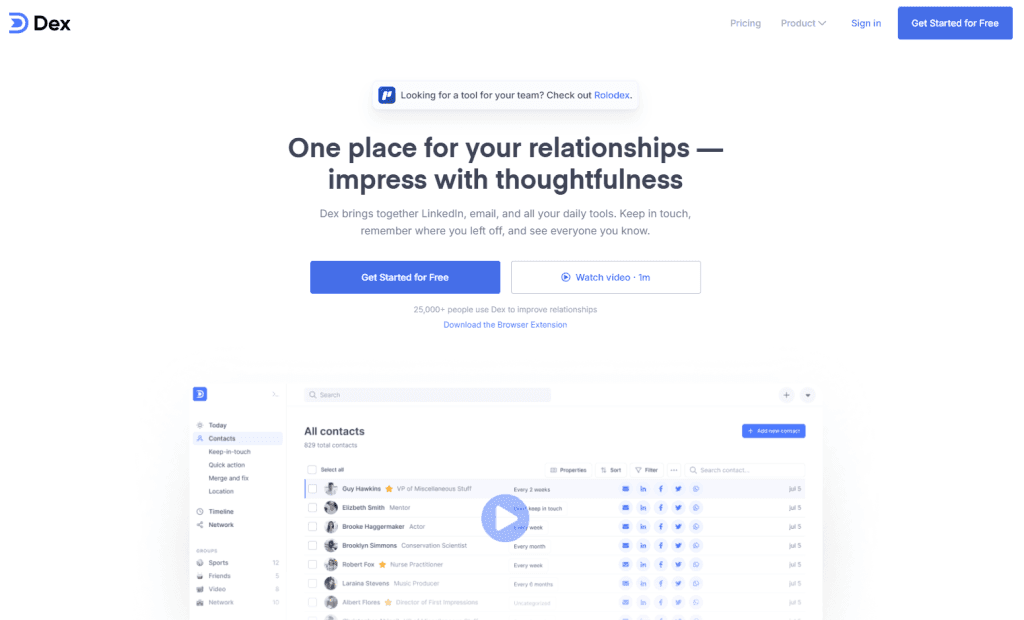
Dex personal CRM takes data from your contacts’ social media accounts and stores them in one database.
Based on this data it helps you keep in touch with people and suggest new people to connect with based on your goals.
Dex is a great option to keep different social channels in one place, visualize them, and actually use them to achieve your networking goals.
Key Features
- Integration with Facebook, LinkedIn, Twitter, iCloud…
- Connection categorization.
- Kanban board view.
- Reminders to reach out.
- Data enrichment, syncing, and deduplication.
- Note-taking features.
Pricing
Dex has a generous 7-day free trial period with all the features unlocked with a $12/month price tag afterward.
“One place for your relationships. Impress with thoughtfulness”
Folk
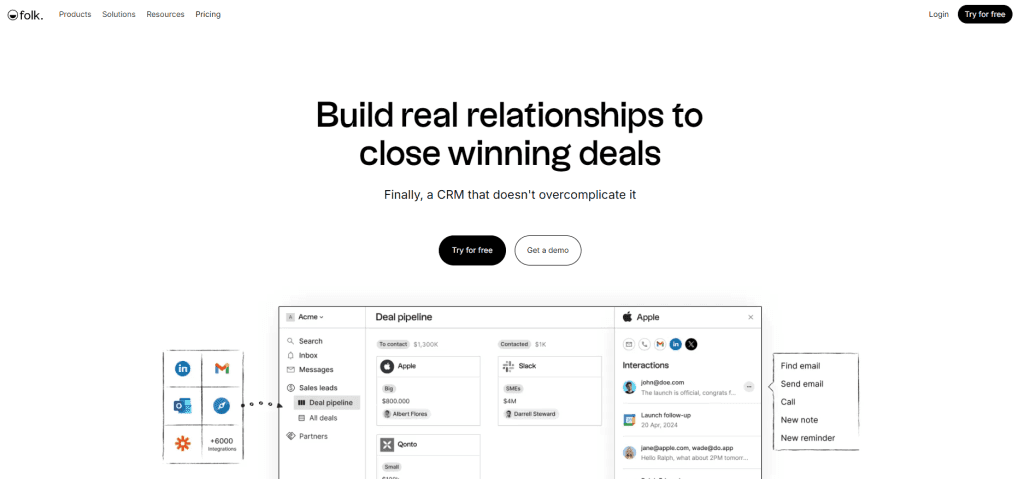
Folk is a highly customizable personal CRM inspired by Notion’s layout and design.
It is very integrative into different contact apps with its many Chrome extensions giving you the ability to import contacts from Twitter, LinkedIn, Gmail…
With its design, it’s easy to create a CRM you want to use with different groups, pipelines, notes, reminders, and plenty of bulk operations like messaging.
If you are looking to use your personal contacts for business purposes together with your team, then Folk is a great option.
Key Features
- Import of contacts from different channels.
- Contact pipelines and lists.
- Contact filtering options.
- Relationship intelligence.
- Bulk messaging and message templates.
- Contact categorization.
- Team contact organization features.
Pricing
Folk has three plans for you to choose from, a standard plan costing $25/month, a premium plan focused on customizations and big teams costing $50/month, and a custom plan from $100/month.
“Finally, a CRM that doesn’t overcomplicate it”
Notion
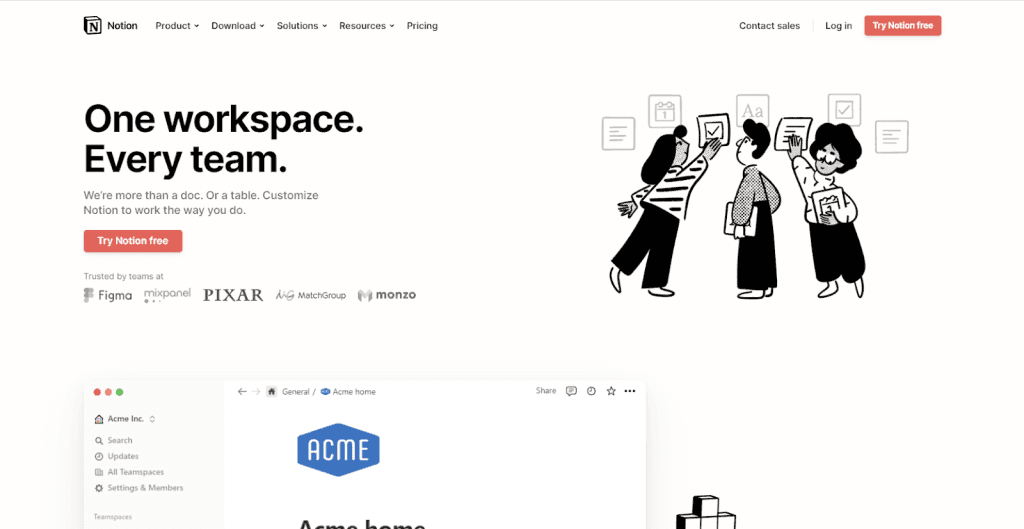
Notion on its own isn’t a personal CRM, but if set up properly it can give you everything your need and desire from a CRM.
Its growing AI capabilities also make it easier to automate repetitive tasks and surface insights from your data. If you’re curious about how powerful Notion AI can be, this Cybernews Notion AI review offers a hands-on breakdown of its strengths, limitations, and real-world use cases.
With its block function and features, you can create almost everything even a personal CRM with a database of different data fields, and use it to store all of your contacts which you can categorize and take notes on.
It is a great tool for anyone looking to create a personal experience from scratch and has a rich community that can help you get started.
Key Features
- Customizable Notion pages and block structure.
- Ability to create multiple customizable databases.
- Different database view options.
- Internal database linking.
- Notion text editor.
- Notion AI.
Pricing
Notions free plan is very feature-rich for individual use and doesn’t require an upgrade unless you are looking to collaborate with your team. Paid plans start from $10 per seat/month.
“We’re more than a doc. Or a table. Customize Notion to work the way you do.”
Nat
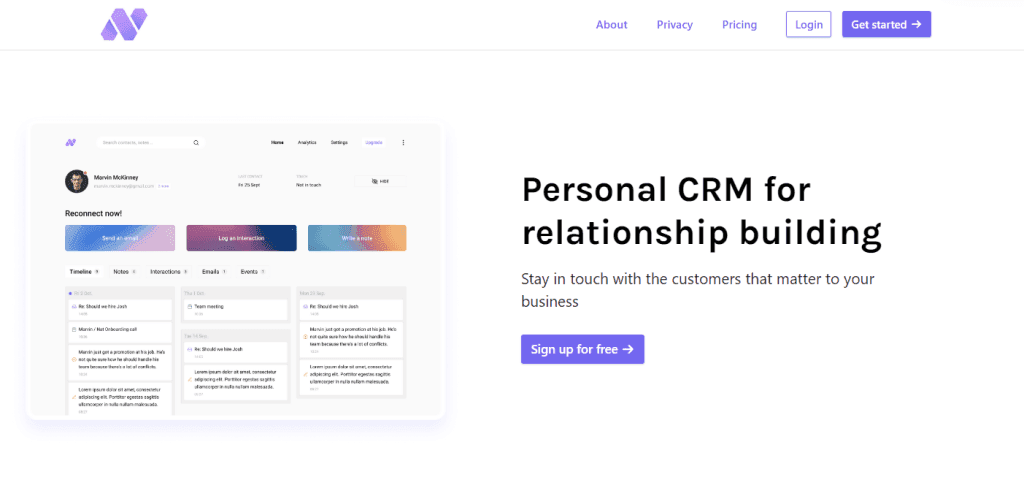
Nat’s biggest selling point is its focus on reconnecting with your contacts which are grouped into three categories based on its algorithm.
It gives you an easy way to determine who is important to you and who isn’t letting you focus on the former, deepening your relationships.
With plenty of contact management features, Nat is a great tool for anyone who has their business contacts scattered over different apps and wants to take better care of them.
Key Features
- Integration with Gmail, Calendar…
- Notifications to reach out to contacts.
- Contact note-taking and management.
- Automated follow-ups.
Pricing
Nat features one plan costing $370/year after going through its trial period of 10 days.
“Stay in touch with the customers that matter to your business”
Monica
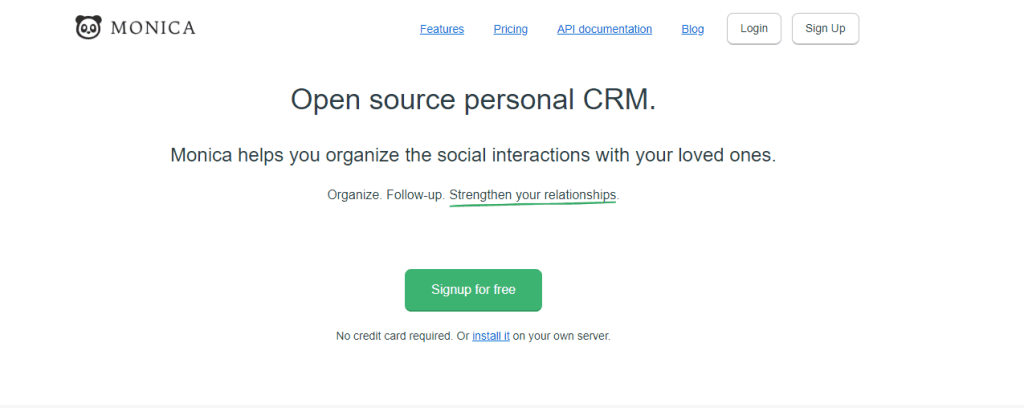
Monica is one of the best CRMs to help you keep important information about the people you care about during a busy life.
If you are feeling guilty about forgetting important events, names, details… Monica gives you the ability to fill out your contacts’ profiles with all the information that you want to remember about them.
Monica is very different from any other CRM as it is the only open-source platform focusing on personal relationships.
Key Features
- A database view of all of your contacts.
- Automated reminders and notifications.
- Data import and export.
- Call indicators.
- Private notes about contacts.
Pricing
Monica offers a free plan limited to 10 contacts only with a premium option costing $9/month unlocking more features and an unlimited number of contacts.
“Built for people. With people.”
Relatable
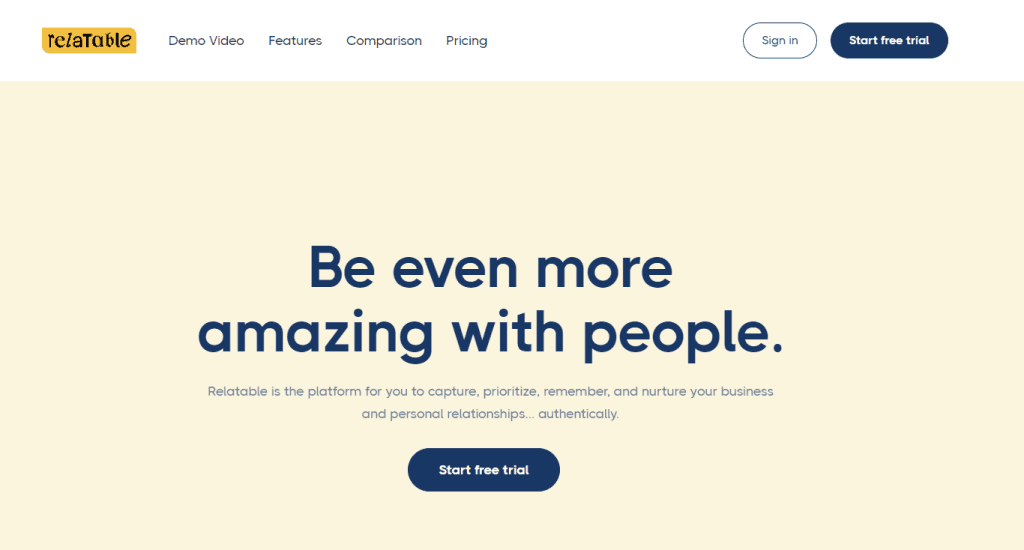
Relatable was built for people who want to nurture the key relationships that will lead to new opportunities.
It allows you to import contacts from various channels like LinkedIn, email, and calendar… into one place and tracks them giving you insights into who you should stay in touch with.
Like a personal networking coach, Relatable gives you a better view of your network, a way to manage it, and nudges on who can be a valuable connection.
Key Features
- Native email and calendar sync.
- CSV import options.
- Reminders and notifications.
- Quick task creation.
- Ability to organize contacts into categories.
- Many filtering options.
Pricing
Relatable offers a 10-day trial with all features unlocked with a $44/month price tag after the trial ends.
“Be even more amazing with people.”
Conclusion
The key to relationship management is to take care of the important people in your life and not let distractions keep you from nourishing those relationships.
In the digital age, a personal CRM is a must if you want to get on top of your contacts.
They allow you to have all of your important contacts in one place, organize them, and never forget important information.
Use this list to find the perfect personal CRM for your needs and start taking care of your relationships.

