
In today’s fast-paced online landscape, having a CRM in your toolkit is a must when it comes to managing your sales deal flow, but what about professional relationships?
Cultivating and nurturing relationships has never been more critical in our digitally connected world. It’s how we get new sales, hire employees, raise investments, and get professional help when needed.
Choosing the right CRM makes all the difference in your effectiveness and productivity while building your network.
If you are using Notion as your CRM of choice, you might be missing out on many benefits you would gain with a specialized CRM like LeadDelta.
Let’s explore if LeadDelta is the Notion alternative you are looking for.
LeadDelta VS Notion at a Glance
As a tool, Notion is well known for its versatility in creating complex productivity and operational systems in a completely customizable way.
This allows Notion to be customized into a CRM, although very basic as it wasn’t meant to store massive amounts of data, automatically sync contact information, and perform complex actions.
All in all, getting Notion to play a role as a CRM is very difficult. It takes a lot of setup, starting from a blank screen.
You need to put in tons of work in building systems, linking databases, and manually inputting all the data of your contacts, which gets you away from what a real CRM is supposed to help you with building and managing relationships.
This is where a specialized CRM like LeadDelta takes the cake as the superior relationship management tool.
Let’s compare the two tools side by side.
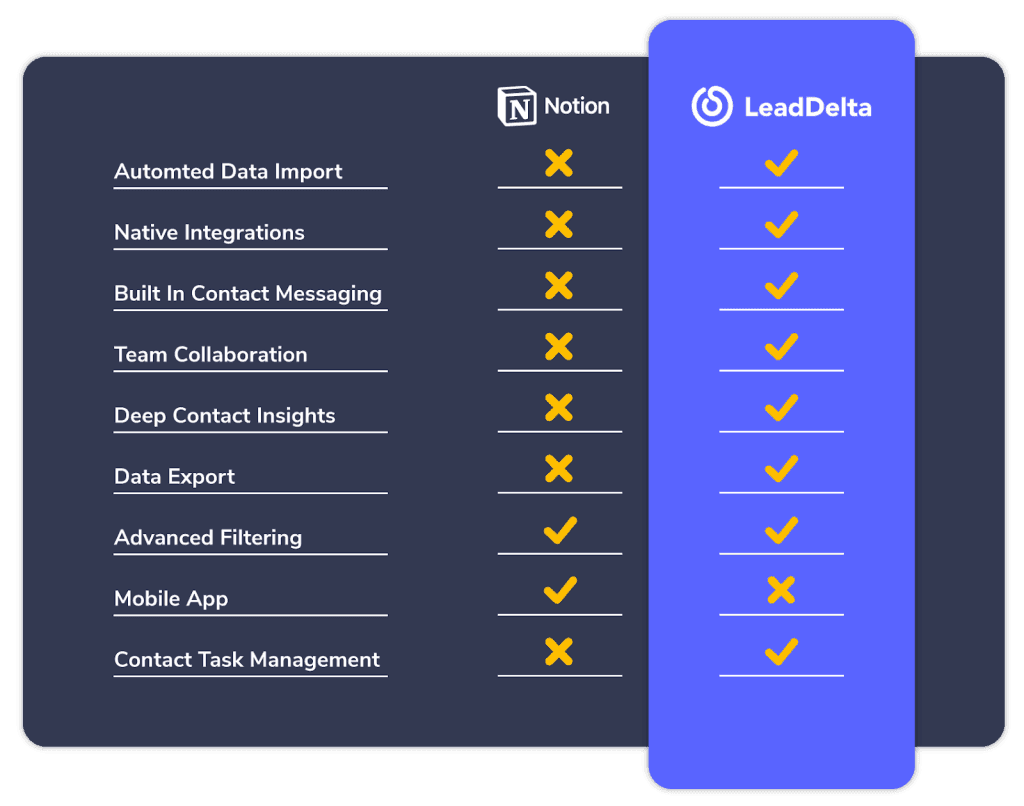
With automated data imports and updates, the ability to integrate with other tools, work with your team, and a ready feature set right out of the box, LeadDelta offers a superior CRM experience.
But how do their similarities compare to one another?
Feature Comparison
Although Notion has no CRM capabilities when starting to use it, you can utilize its databases and properties to create your own CRM.
These Notion features can only take you so far and are implemented differently than a dedicated CRM.
Contact List Overview
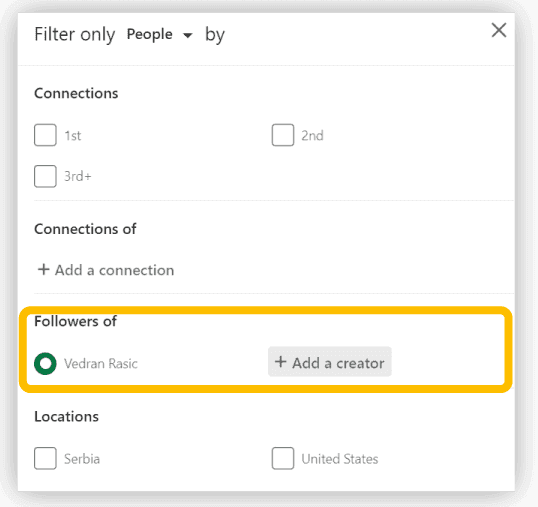
When set up, Notion lets you view your contact with custom properties, but LeadDelta has a dedicated contact overview table allowing you to:
- Automatically syncs your contacts
- Display 15+ data points about your contacts
- Doesn’t require any manual data inputs
- Share contacts with your team
- Perform quick actions (Tags, Notes, Disconnects)
- Automatically Update contacts with the latest data
Contact Filtering
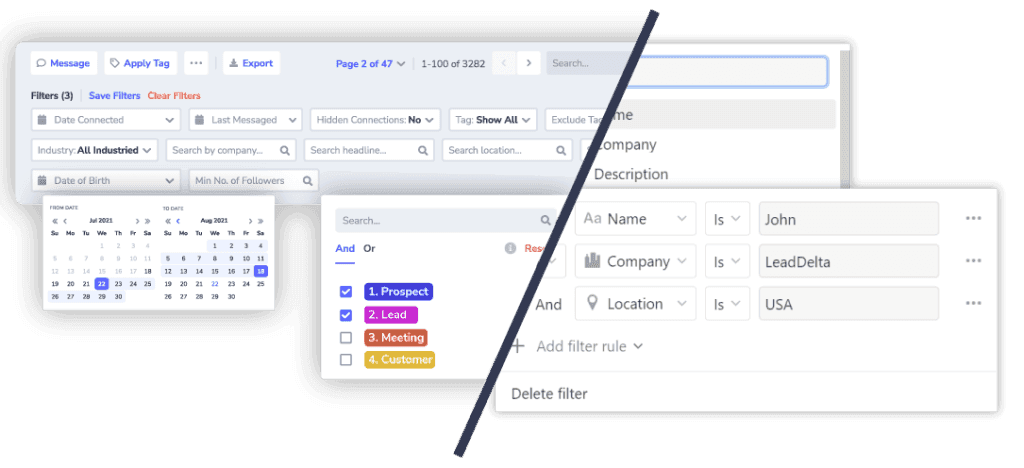
While Notion allows you to create your own filters and apply them to any data point, they require technical knowledge and a manual setup, unlike LeadDelta:
- Filter contacts by 15+ datapoints
- Filter contacts by custom properties
- Save your favorite filters and reuse them
- Combine filtering options
- Sort filtered tables
- Filter your team’s contacts
Contact Information
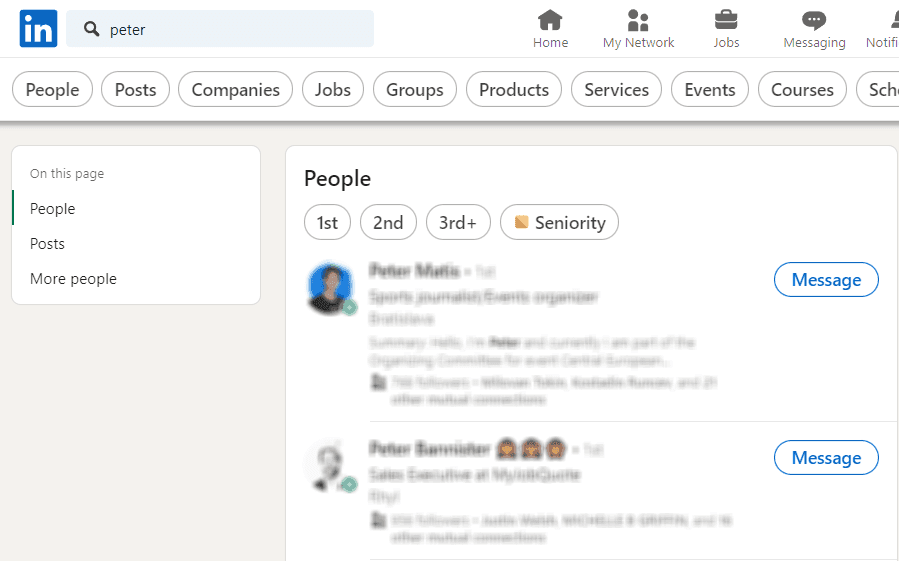
While Notion gives you a customizable contact information table, this information is static until you manually enter new data, unlike LeadDelta:
- Up-to-date contact information
- Additional actions for each contact
- Contact information follows you on LinkedIn, Smart Inbox, Taks…
- Add new contacts from LinkedIn to LeadDelta with a single click

Must-Have Features Missing From Notion
As you can see, there aren’t many similarities between Notion and LeadDelta because of Notion’s limitations in contact management.
Let’s look at the features you need from a CRM on a daily basis.
Tasks & Reminders
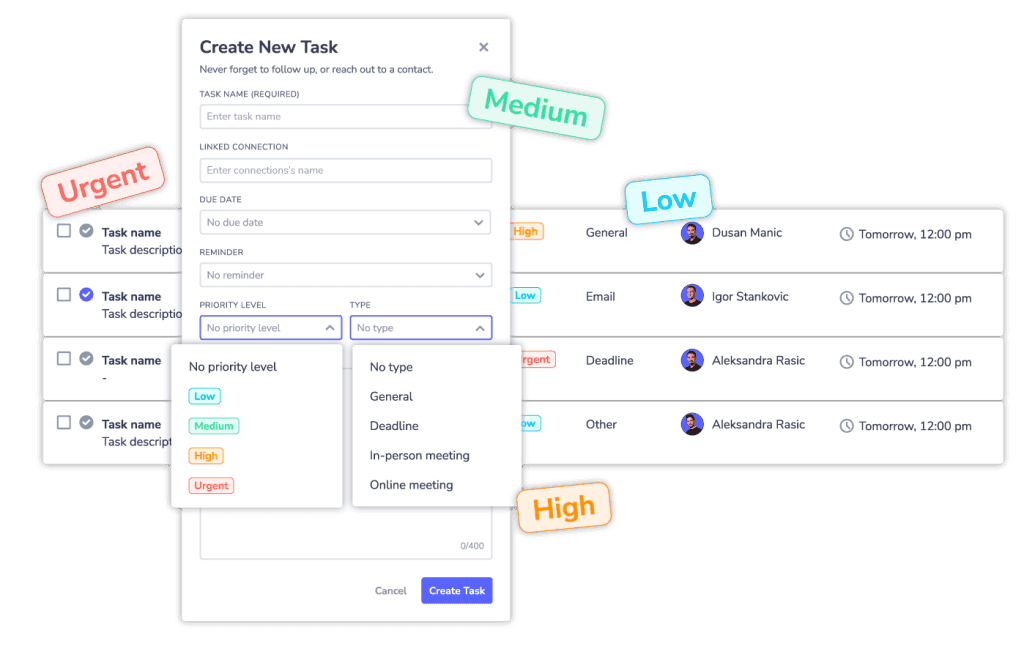
Stop using external tools to remind yourself to reach out to someone or follow up, and start creating tasks in LeadDelta.
Each task is linked to its respective contact and allows you to write in detail what needs to be done.
Create task lists based on types of tasks and urgency, and set up timely reminders to get back to your contacts.
Boost your team’s productivity and collaboration by managing each other’s tasks.
Team Collaboration
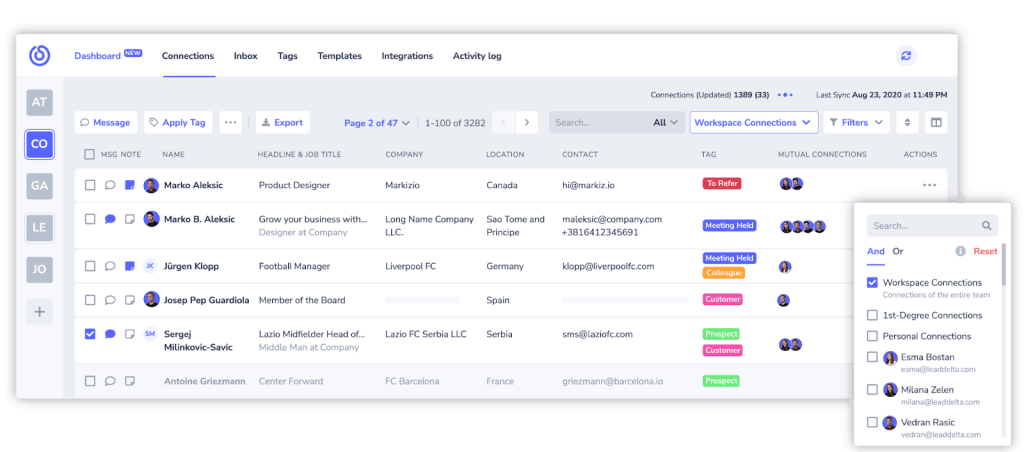
LeadDelta Workspaces allows you and your whole team to merge your networks into one database and collaborate to extract value from your contacts.
Filter your combined network to find new contacts and see the best person on your team who can make an introduction.
Manage your combined network by utilizing team-wide Tags and creating tasks for your teammates.
Go beyond your 1st-degree connections by importing LinkedIn contacts with the LeadDelta Sidebar and work with your team on scoring new deals.
Integrated Inbox
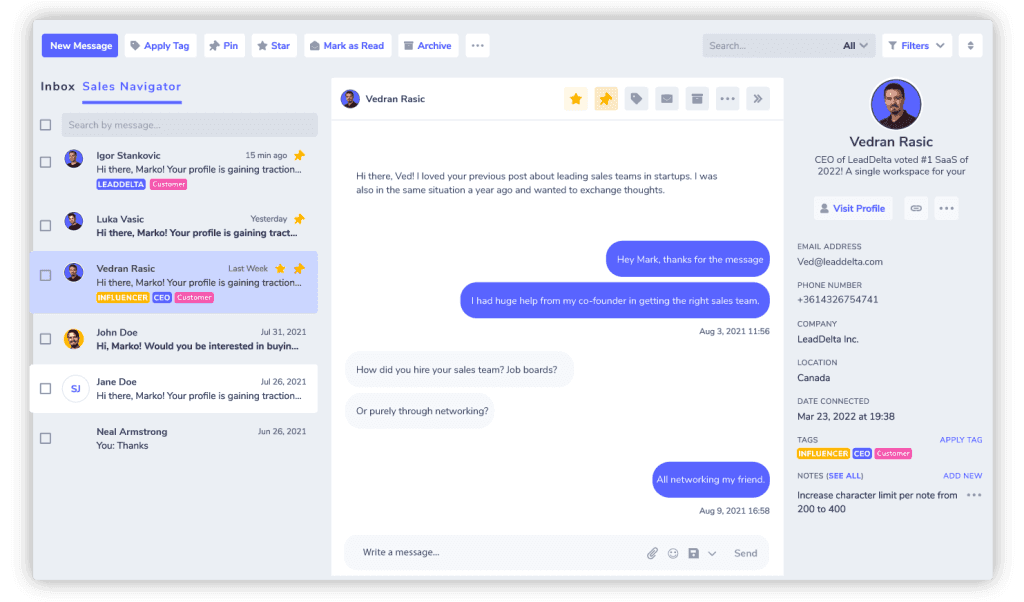
You shouldn’t be switching between LinkedIn and your CRM while conversing with contacts and spending hours trying to manage your messages.
LeadDelta Smart Inbox allows you to communicate with your contacts while having access to their information, Notes, and message templates.
Manage your inbox with Tags and easily filter to find the conversation you are looking for and Pin important conversations to the top of your inbox.
If you use LinkedIn Sales Navigator, LeadDelta combines the two inboxes into one, making you more productive in making new deals happen.
Is LeadDelta The Notion Alternative You Are Looking For?
While Notion can “act” as a CRM, Notion lacks many indispensable features a modern CRM needs because it wasn’t meant to be used this way.
LeadDelta is a much better Notion alternative, specifically designed with contact management in mind.
Say goodbye to manual data inputs and updates, limited integration options, no team-centric features, and static data.
Take control of your network to sell, hire, and grow!

